
Canvas resolution by size
Simple Canvas Prints, one of the larger canvas printers, says 150 PPI "is a sufficient resolution for printing on canvas" and that files above 150 PPI give no visible improvement on canvas. CanvasHQ accepts files down to 60 DPI and enlarges them with its own software. So 150 is the target, about 100 is acceptable, and below that it depends on how the printer enlarges.
| Canvas | Ideal (150 PPI) | Acceptable (100 PPI) | Photo paper (300 PPI) |
|---|---|---|---|
| 8×10 | Ideal (150 PPI): 1,200 × 1,500 | Acceptable (100 PPI): 800 × 1,000 | Photo paper (300 PPI): 2,400 × 3,000 |
| 11×14 | Ideal (150 PPI): 1,650 × 2,100 | Acceptable (100 PPI): 1,100 × 1,400 | Photo paper (300 PPI): 3,300 × 4,200 |
| 12×16 | Ideal (150 PPI): 1,800 × 2,400 | Acceptable (100 PPI): 1,200 × 1,600 | Photo paper (300 PPI): 3,600 × 4,800 |
| 16×20 | Ideal (150 PPI): 2,400 × 3,000 | Acceptable (100 PPI): 1,600 × 2,000 | Photo paper (300 PPI): 4,800 × 6,000 |
| 18×24 | Ideal (150 PPI): 2,700 × 3,600 | Acceptable (100 PPI): 1,800 × 2,400 | Photo paper (300 PPI): 5,400 × 7,200 |
| 20×30 | Ideal (150 PPI): 3,000 × 4,500 | Acceptable (100 PPI): 2,000 × 3,000 | Photo paper (300 PPI): 6,000 × 9,000 |
| 24×36 | Ideal (150 PPI): 3,600 × 5,400 | Acceptable (100 PPI): 2,400 × 3,600 | Photo paper (300 PPI): 7,200 × 10,800 |
| 30×40 | Ideal (150 PPI): 4,500 × 6,000 | Acceptable (100 PPI): 3,000 × 4,000 | Photo paper (300 PPI): 9,000 × 12,000 |
Add the wrap. A gallery-wrapped canvas folds 1 to 2 inches round each edge, so many printers ask for that much extra image on every side. Check your printer’s template.
Will your photo be big enough?
Divide your photo’s pixels by 150 to get the largest canvas it fills at the ideal resolution, or by 100 for the acceptable one.
| Source | Pixels | Ideal (inches) | Acceptable (inches) |
|---|---|---|---|
| Instagram post download | Pixels: 1,080 × 1,350 | Ideal (inches): 7.2 × 9 | Acceptable (inches): 10.8 × 13.5 |
| Facebook photo download | Pixels: 1,536 × 2,048 | Ideal (inches): 10.2 × 13.6 | Acceptable (inches): 15.3 × 20.4 |
| 8-megapixel phone or older camera | Pixels: 2,448 × 3,264 | Ideal (inches): 16.3 × 21.7 | Acceptable (inches): 24.4 × 32.6 |
| 12-megapixel phone (most iPhones and Androids) | Pixels: 3,024 × 4,032 | Ideal (inches): 20.1 × 26.8 | Acceptable (inches): 30.2 × 40.3 |
A cropped or zoomed photo has fewer pixels than the full frame. The DPI checker reads your actual file.
So a 12-megapixel phone photo makes a good 16×20 or 18×24 canvas, and a Facebook download is fine at 11×14 but soft at 24×36.
How to fix a pixelated photo for canvas
- 1
Get the original file
Photos from Facebook, Instagram, texts and screenshots are shrunk copies. The original in someone’s camera roll is often four times the pixels, enough for a canvas twice the size.
- 2
Pick a smaller canvas
Dropping from 24×36 to 16×24 keeps the same shape and raises the resolution by half.
- 3
Upscale it before ordering
An AI upscaler rebuilds edges and texture instead of stretching pixels, which is what a printer’s automatic enlargement does. Upscale to the canvas size, plus the wrap, and check faces at full size before you send it. Upscale for canvas.
- 4
Match the shape
Canvas sizes are often a different shape from the photo, so the printer crops, and with a wrap it crops more. Extending the photo to the canvas shape adds background instead of cutting into heads and edges.
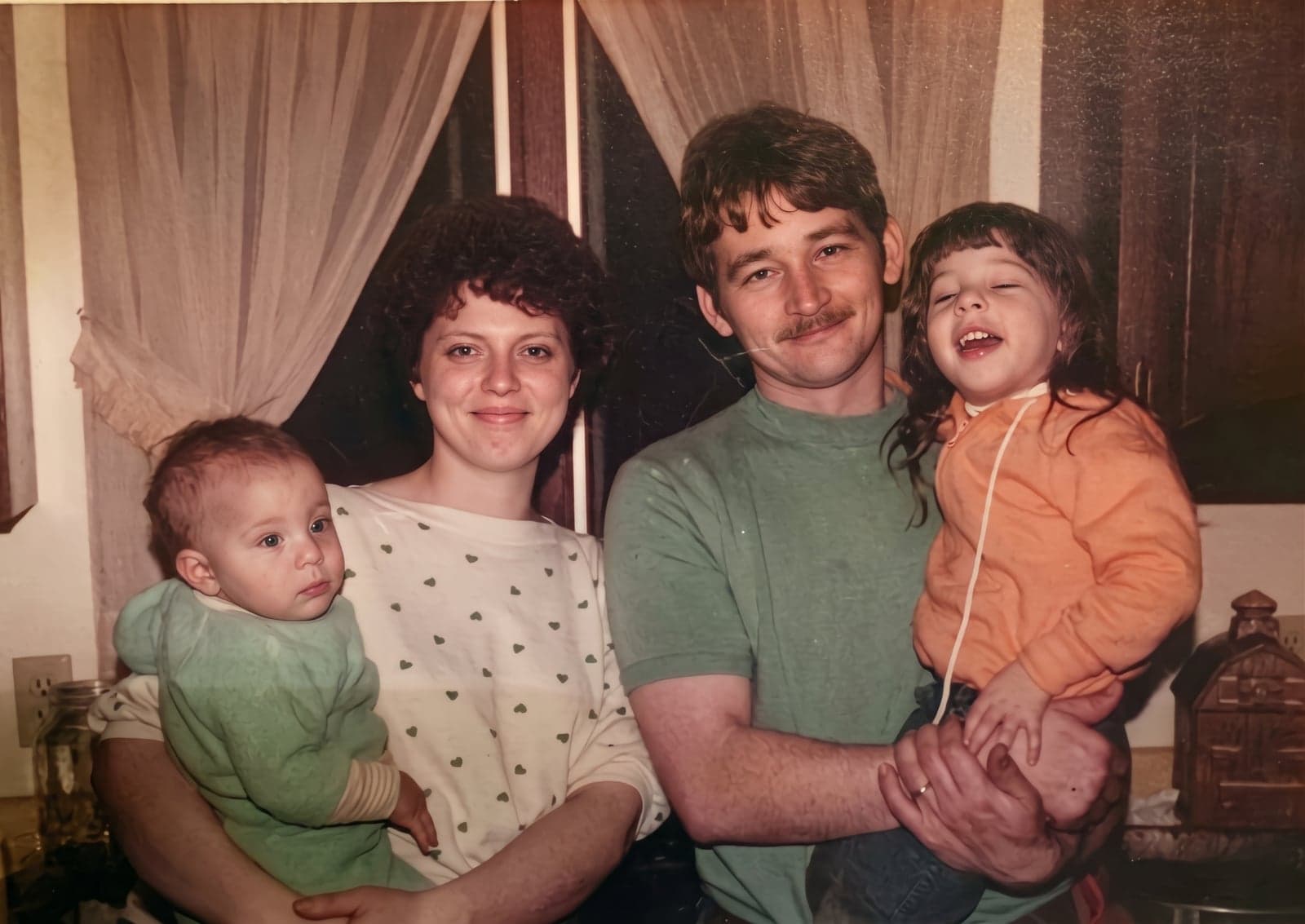
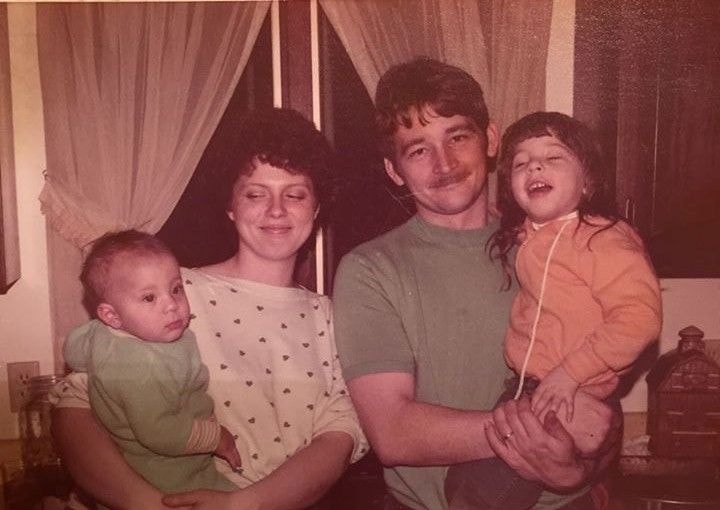 BeforeAfter