
AI upscalers at a glance
We make Resly, so read this knowing that. The upscalers below all use AI to enlarge an image and add detail; what separates them is the free allowance, how you pay, and how large and how faithful the result is.
| Upscaler | Free | Cheapest paid | Largest output |
|---|---|---|---|
| Upscayl | Free: Desktop app free and open source | Cheapest paid: Upscayl Cloud $24.99 a month for 300 credits | Largest output: 256 MP on Cloud Pro |
| Topaz Gigapixel | Free: None listed | Cheapest paid: Topaz for Web $12 a month billed yearly ($19 monthly) | Largest output: 32 MP on the web plan; more on higher tiers |
| Let's Enhance | Free: 10 credits on sign-up, watermarked, up to 8 MP | Cheapest paid: $9 a month billed yearly ($12 monthly) for 100 credits | Largest output: 256 MP on Starter |
| Krea | Free: 100 units a day, upscaling to 2K | Cheapest paid: $5 a month billed yearly ($9 monthly) | Largest output: Up to 22K |
| Upscale.media | Free: 3 credits on sign-up; one image a day without | Cheapest paid: One-off packs, e.g. 125 credits for $11.99 | Largest output: Not stated |
| Pixelcut | Free: Limited upscales, no watermark | Cheapest paid: $8 a month billed yearly ($10 monthly) | Largest output: Not stated |
| Bigjpg | Free: 20 images a month, up to 4× | Cheapest paid: $6 for 500 images over 2 months | Largest output: Up to 16× |
| Magnific | Free: None listed | Cheapest paid: $14.50 a month billed yearly ($20 monthly) | Largest output: Not stated |
| Resly | Free: No free version | Cheapest paid: $1.99 an image, 99¢ each extra in the same order | Largest output: 16 MP, reshaped to any print size |
Prices read from each vendor's pricing page and change often. Most free tiers need a sign-up; Resly needs no account.
Which upscaler to choose
- Free, private, unlimited, on a decent computer: Upscayl. See Upscayl vs Resly.
- Faithful, very large enlargements, every week: Topaz Gigapixel. See Topaz vs Resly.
- A steady stream of images in a browser: a monthly plan from Let's Enhance, Krea or Pixelcut. See Let's Enhance vs Resly.
- Occasional images without a plan: one-off packs from Upscale.media, or pay per image with Resly.
- Art and heavy creative detail: Magnific or Krea, which invent more.
- A photo for a specific print or frame: Resly, which upscales and reshapes to the size you type, such as 8×10 or 24×36, extending the scene instead of cropping.
Faithful vs generative upscaling
Some upscalers stay close to the pixels you give them; generative ones redraw detail and can sharpen a soft photo dramatically, but may change faces, text and textures slightly. Resly is generative: it rebuilds detail with an image model and delivers at most 16 megapixels, so it is not the tool for a huge, pixel-faithful enlargement. Topaz's faithful models and Upscayl are better there.
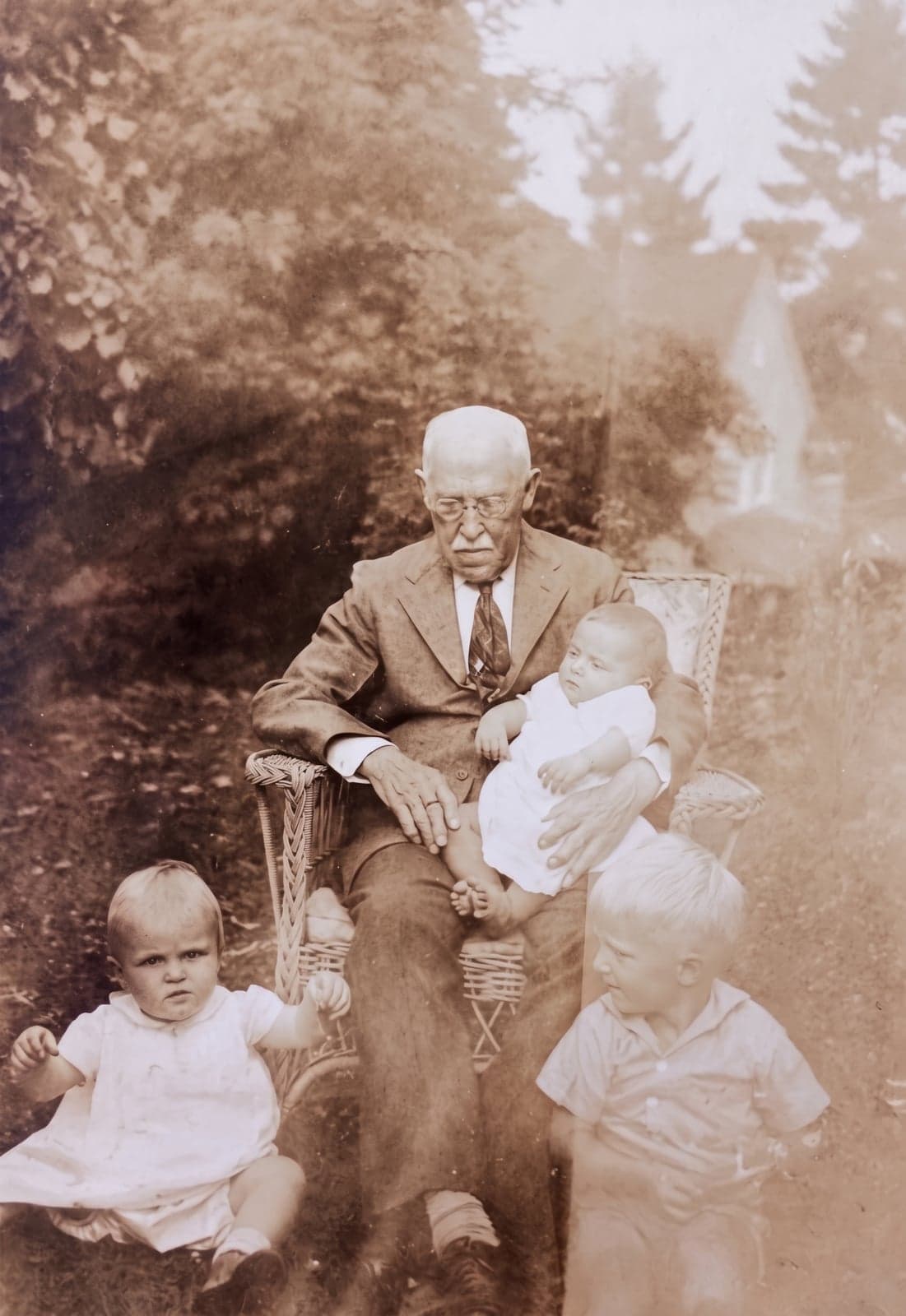
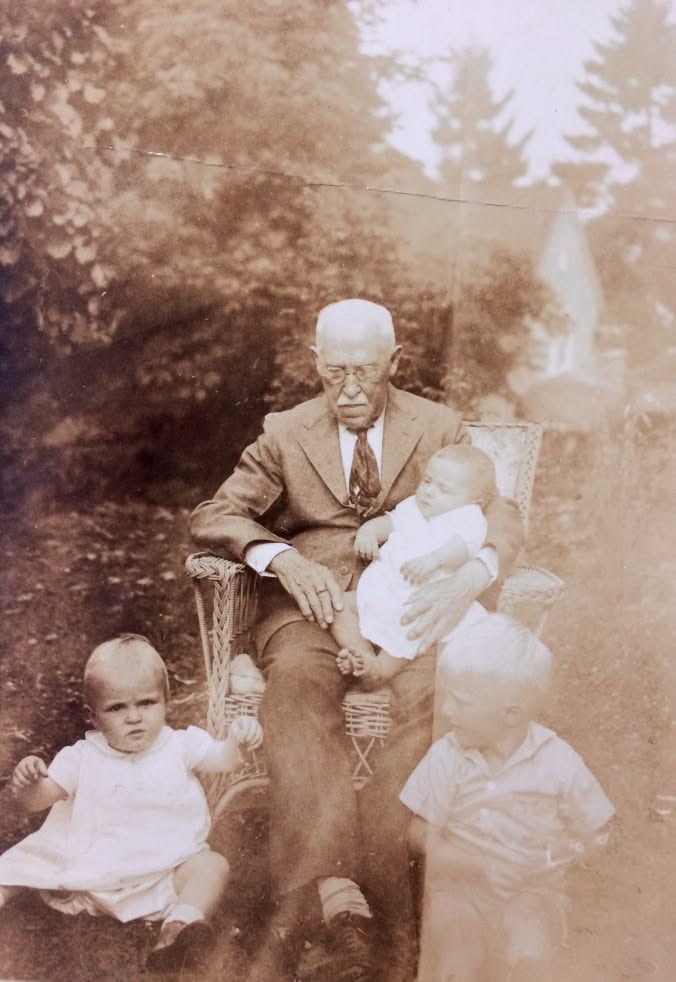 BeforeAfter
If you are upscaling to print
What matters for a print is pixels at the print size, not the upscale factor. A sharp print wants about 300 pixels per inch at small sizes and less for posters seen from across a room. Check how big your image can print in the print size chart, or read making an image 300 DPI.