
First, work out which kind of blur it is
Zoom in on the face or the sharpest edge in the picture. What the blur looks like up close tells you whether it can be fixed.
| Kind of blur | What it looks like zoomed in | Can it be fixed? |
|---|---|---|
| Too few pixels | What it looks like zoomed in: Soft edges or visible squares, but the picture looks fine small | Can it be fixed?: Yes. Upscaling rebuilds the detail |
| Compression | What it looks like zoomed in: Smudgy blocks around edges, banding in skies. Typical of texts and Facebook | Can it be fixed?: Mostly. Find the original, or upscale |
| Slightly soft focus | What it looks like zoomed in: Everything a little soft, nothing doubled | Can it be fixed?: Partly. Sharpening and upscaling help |
| Motion blur | What it looks like zoomed in: Streaks or doubled edges, all in one direction | Can it be fixed?: A little. It can be reduced, not undone |
| Missed focus | What it looks like zoomed in: The background is sharp but the face is not | Can it be fixed?: Barely. The face's detail was never recorded |
A picture can have more than one. A small, compressed copy of a sharp photo is the most fixable case there is.
How to unblur a picture, best option first
- 1
Find a better copy
If the picture came by text, Facebook or a screenshot, the original is bigger and sharper. Ask whoever took it for the file itself. The guide to photos from Facebook and texts covers how to get it. This is free and beats every other fix.
- 2
Try your phone's editor
On an iPhone, open the photo, tap Edit, and raise Sharpness and Definition a little. Android's Google Photos and the free Snapseed app have similar sliders. Small amounts only: past a point, sharpening adds bright halos around edges and makes skin look gritty.
- 3
Upscale it with AI
For a picture that's small, pixelated or compressed, an AI upscaler redraws the fine detail (edges, hair, fabric) at a higher resolution instead of stretching the pixels you have. Because it redraws, check faces closely: they can shift slightly. Upscale a photo, or see what free upscalers give up.
- 4
If it is for a print, print smaller
A picture that looks soft at 8×10 can look sharp at 4×6. The guide to blurry prints shows how big your picture can print as it is.
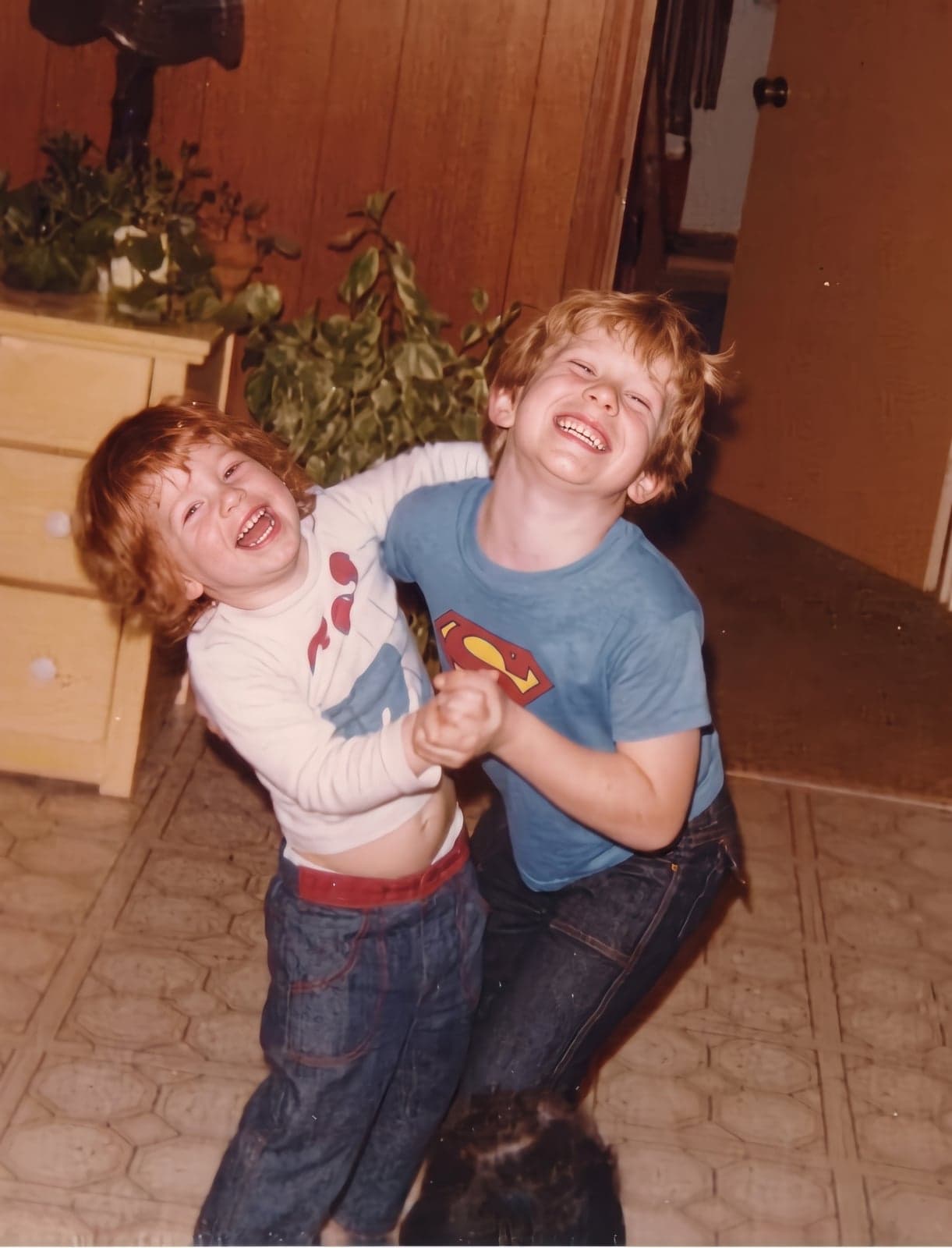
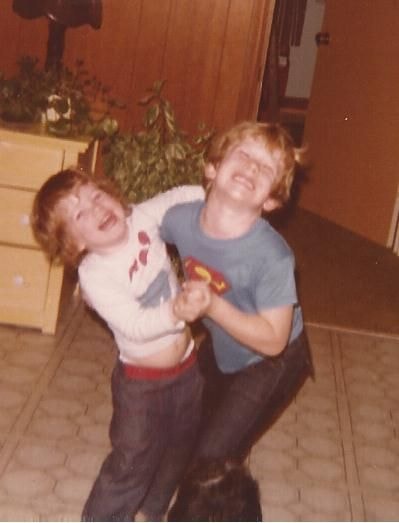 BeforeAfter
What AI unblurring can and can’t do
- It can rebuild detail a small or compressed copy lost: the edge of an eye, strands of hair, the weave of a jumper. This is where it does best.
- It can't recover detail the camera never recorded. A face that was out of focus gets a plausible face drawn in, which may not look quite like the person. For a memorial photo, that matters more than sharpness.
- It can't read text that was blurred or pixelated on purpose. It will draw letters, but they're a guess, not what was there.
- Faces and text are where to look first. Compare the result with the original at full size before you share or print it.