
Check it in a minute
Open the file and note its size in pixels. Divide each side by the print size in inches. 300 pixels per inch or more is sharp for anything held in the hand, like mugs, ornaments, cards and small prints. 150 or more is fine for wall art and canvas, which is seen from a step away. Below that, the softness will show.
Example: a customer sends 1,200 × 1,500 pixels for a 16×20 canvas. That is 75 pixels per inch, half what it needs. For an 8×10 it would be 150, which works on a wall.
Two other things to check while you are there: whether the photo is the same shape as the product (or it will be cropped), and whether the face is in focus, which no fix can change.
Fix it, cheapest first
- 1
Ask for the original
Customers usually send a photo saved from Facebook, a screenshot, or one that went through a messaging app, all of which shrink it. The original in their camera roll is often several times bigger. Ask them to send it by email or as a file. The first message below does this.
- 2
Upscale it and send a proof
If there is no better copy, upscale it to the exact print size. AI upscaling rebuilds the detail a bigger print needs, and can change small features slightly, so send the customer a proof before printing. A proof turns "that doesn't look like my dad" from a refund into a quick fix. Resly Studio batch-upscales customer photos to print size if you do this often.
- 3
Fit the shape, not just the size
A phone photo is 3:4 and an 8×10 is 4:5, so one of them has to change. Extending the background keeps the whole photo instead of cropping someone out of it.
- 4
Offer a smaller size or a refund
A badly out-of-focus photo doesn't upscale into a sharp one. Suggest the size it will print well at, or refund. One unhappy review costs more than one order.
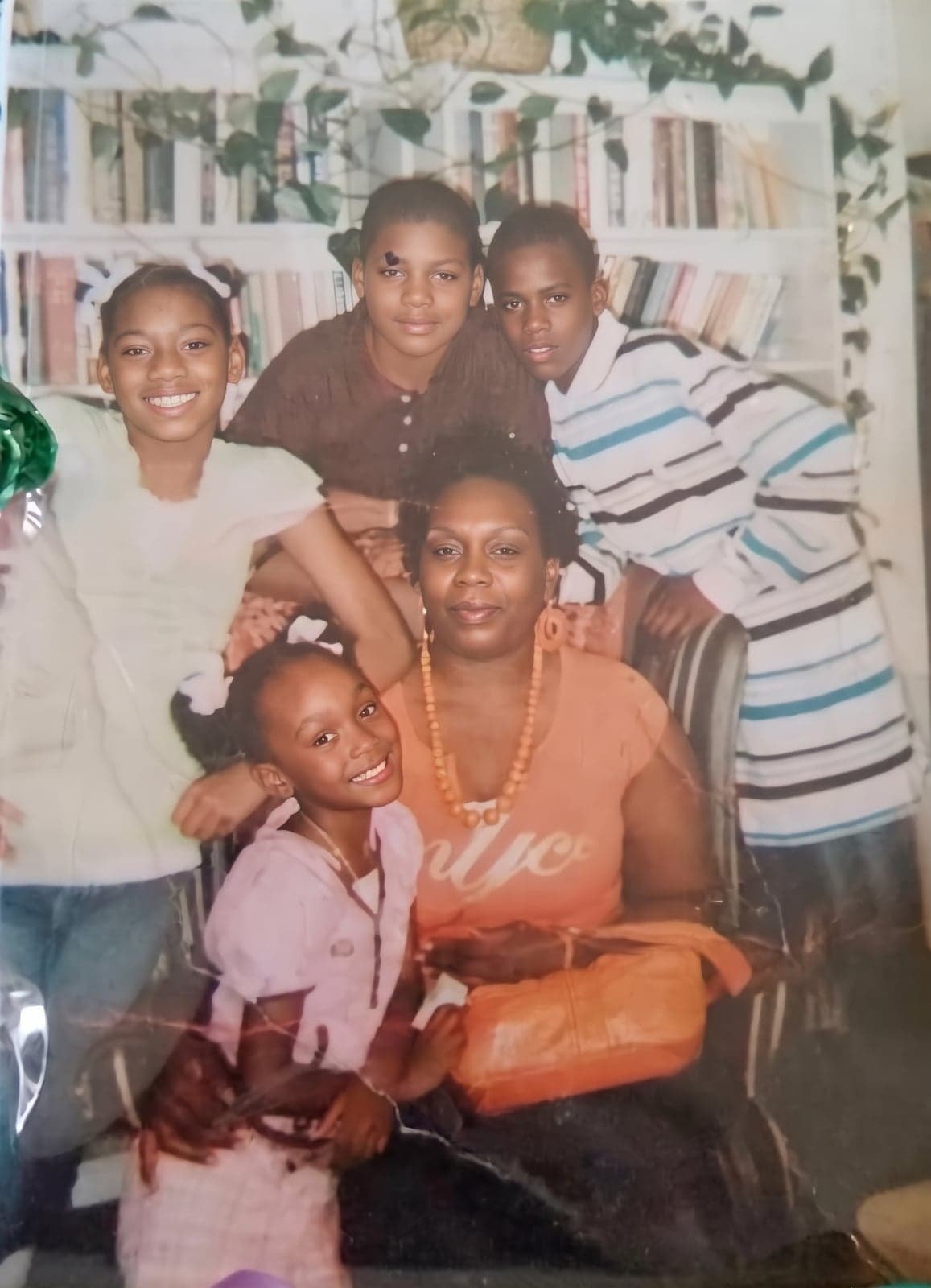
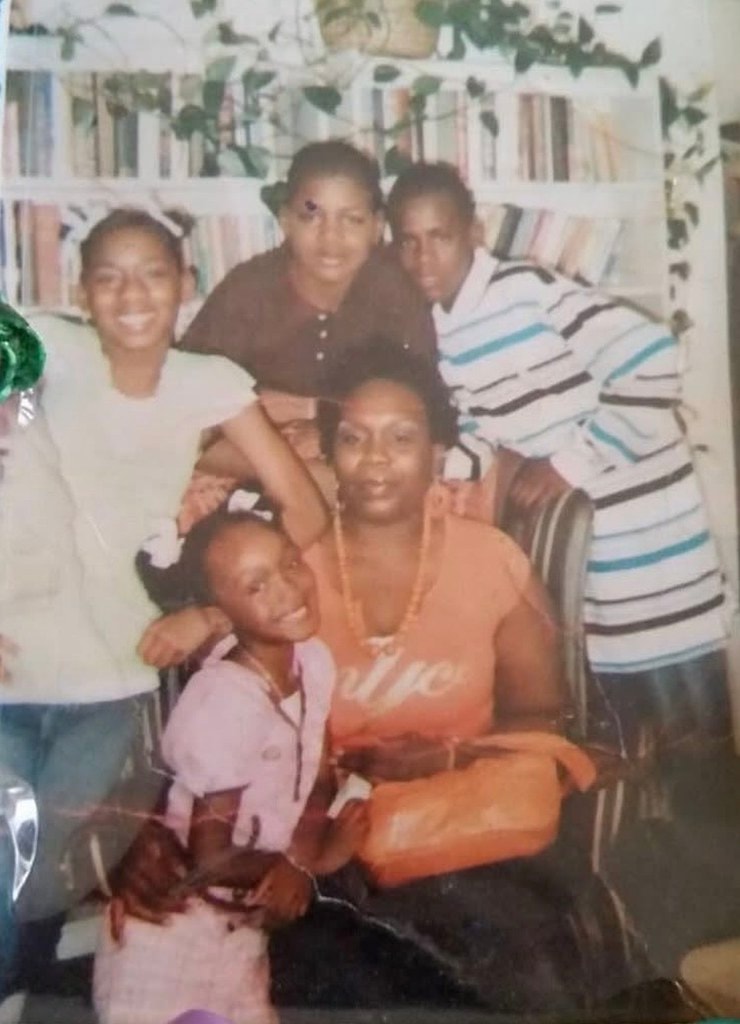 BeforeAfter
Messages you can copy
Change the bits in brackets. All three are polite, specific and give the customer something to do next, which is what gets a reply.
Hi [name], thank you for your order! The photo you sent is a little small for a [size] print, so it could come out soft. Do you have the original on your phone or camera? If you can email it to me or send it as a file (rather than a screenshot or through Messenger), it'll be full size and print much sharper.
Hi [name], the photo you sent is smaller than a [size] print needs, so I'll enhance it to print size. I'll send you a proof before anything is printed so you can check it, especially faces, and make sure you're happy with it.
Hi [name], I've tried enhancing your photo, but it's too blurry to print well at [size] and I don't want to send you something you're disappointed with. It would print well at [smaller size], or if you have another photo I'd be glad to use that. If neither works for you, I'm happy to cancel the order with a full refund.
Stop it happening again
- Put the minimum in the listing: "Please send the original photo from your camera roll, at least [pixels] for this size." For an 8×10 that's 1,200 × 1,500 at minimum and 2,400 × 3,000 ideally.
- Ask for the photo by email or file upload rather than in a message from a phone, where customers tend to send screenshots.
- Say in the listing that you send a proof before printing. It sets the expectation, and customers like it.