
Memorial photo sizes at a glance
Ask the funeral home first: many have an easel and frame of a set size, and some arrange the printing themselves. If you're doing it yourself, these are the usual sizes.
| Where it goes | Usual size (inches) | Pixels to aim for |
|---|---|---|
| Easel portrait at the service | Usual size (inches): 16×20 or 18×24 | Pixels to aim for: 2,400 × 3,000 or 2,700 × 3,600 |
| Large venue or outdoor service | Usual size (inches): 24×36 | Pixels to aim for: 3,600 × 5,400 |
| Framed photo on the guest book table | Usual size (inches): 8×10 or 11×14 | Pixels to aim for: 2,400 × 3,000 or 3,300 × 4,200 |
| Program or order of service | Usual size (inches): About 4×6 on the cover | Pixels to aim for: 1,200 × 1,800 |
| Photo board or collage | Usual size (inches): 4×6 prints on a 20×30 board | Pixels to aim for: 1,200 × 1,800 per photo |
| Video tribute or slideshow | Usual size (inches): Landscape screen | Pixels to aim for: 1,920 × 1,080 |
Easel and wall sizes are worked out at 150 pixels per inch, which reads as sharp from a few steps away. Things people hold, like programs and table photos, use 300.
16×20 and 8×10 are the same shape (4:5), and so are 18×24 and a phone photo (3:4). A photo prepared for one size of a pair fits the other without cropping.
Choosing the photo
When there are several to choose from, the sharpest one usually makes a better portrait than the most flattering one. What matters most is how big the face is in the original, not how big the file is. A face that's 300 pixels tall in a group photo has to become the whole portrait, and every flaw grows with it.
Ask family for the original rather than a copy. The phone that took the photo has it at full size; the version on Facebook or in a group chat is smaller and compressed. A shared album or emailing it as a file keeps the full size; texting it often doesn't.
If the only good photo of them is in a group shot, crop it to the person with plenty of room around them, then upscale the crop. Leave space above the head and below the shoulders: a portrait needs it, and it's easier to keep than to add.
Getting an old print into a file
- A flatbed scanner at 600 DPI is best. A 4×6 print scanned at 600 DPI comes out at 2,400 × 3,600 pixels, enough on its own for a 16×20. Many libraries and print shops will scan a few photos for you.
- With a phone, take the print out of its frame and glass, lay it flat near a window, turn the flash off and shoot from directly above so the print fills the screen. Google PhotoScan, a free app, removes glare by combining several shots.
- Don't scan a photo that's still behind glass, and wipe dust off first. Both show up much larger on a 16×20 than they do in your hand.
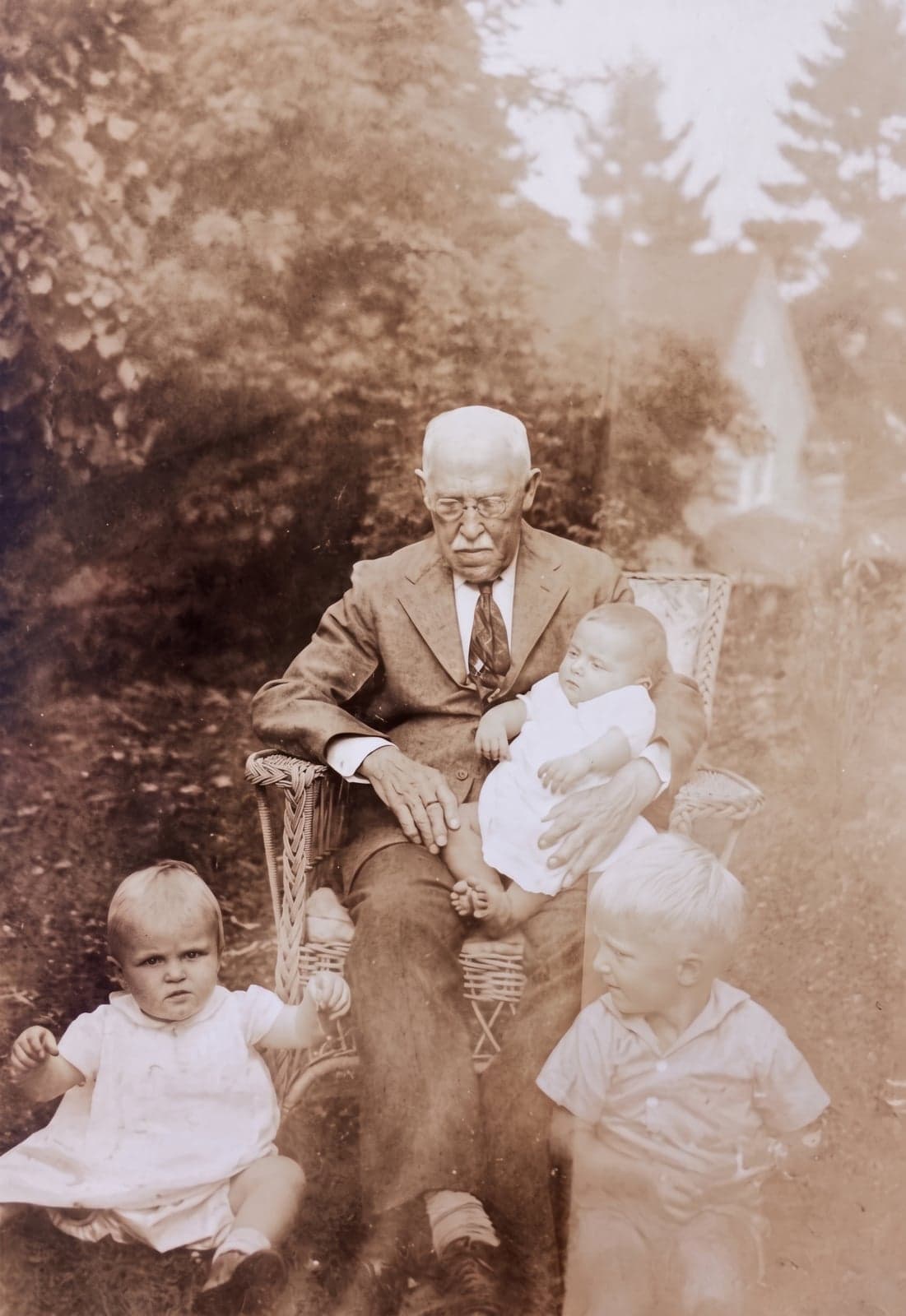
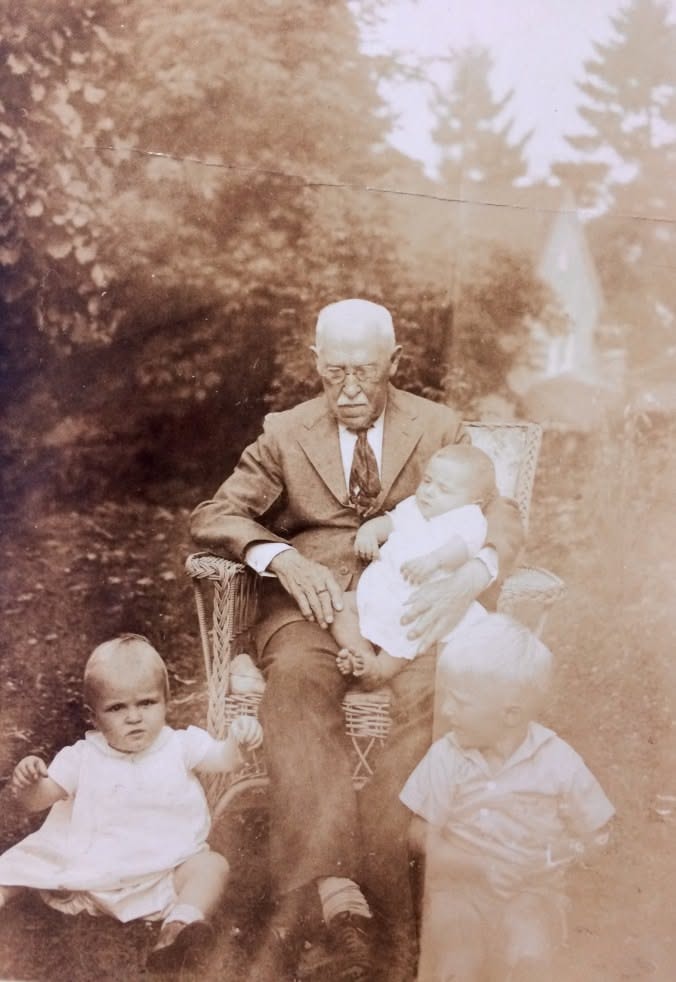 BeforeAfter
Enlarging it
- 1
Pick the print size first
Get the exact size from the funeral home or print shop, so the file comes out that shape. A 4×6 portrait going to 16×20 needs either a crop or a bit more background, and it is better to decide which before you print.
- 2
Upscale to that size
Upload the photo and choose the size, such as 16×20 or 18×24. If the photo is a different shape, the background is extended to fit instead of cropping the top of the head off. For a 16×20, Resly delivers 3,577 × 4,472 pixels, about 224 pixels per inch; for an 18×24, 3,464 × 4,618, about 192.
- 3
Check the face before you print
Open the result and zoom in on the eyes, mouth and hair. AI upscaling rebuilds fine detail, and it can change small features slightly. If they don't look like the person, try a different photo, a smaller size, or a bigger crop around the face.
What enlarging can't do: it won't bring back a face that's badly out of focus, it isn't designed to repair tears, creases or stains, and it can't recover part of a face that the original photo cut off. A retoucher is the better route for a damaged print.
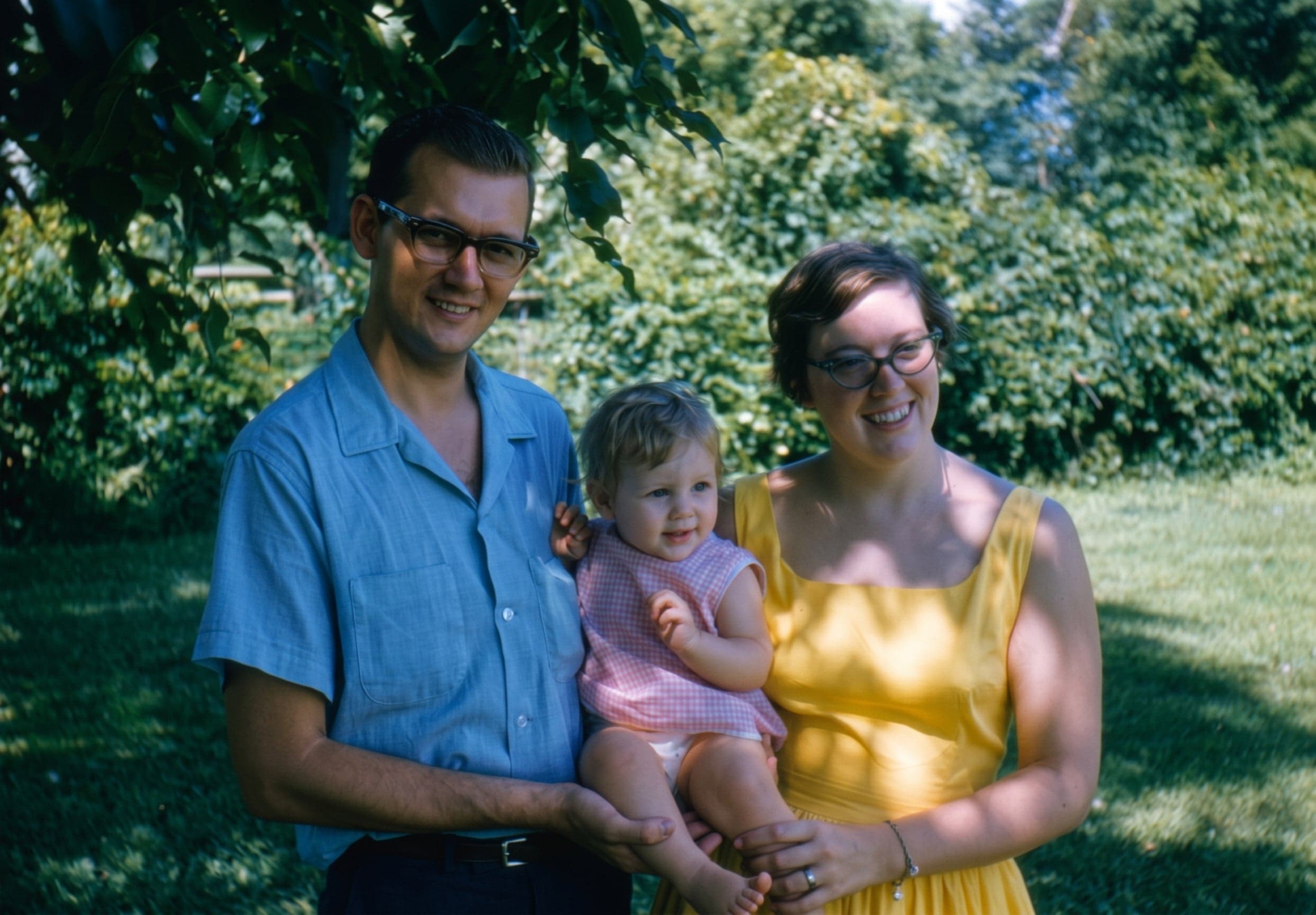
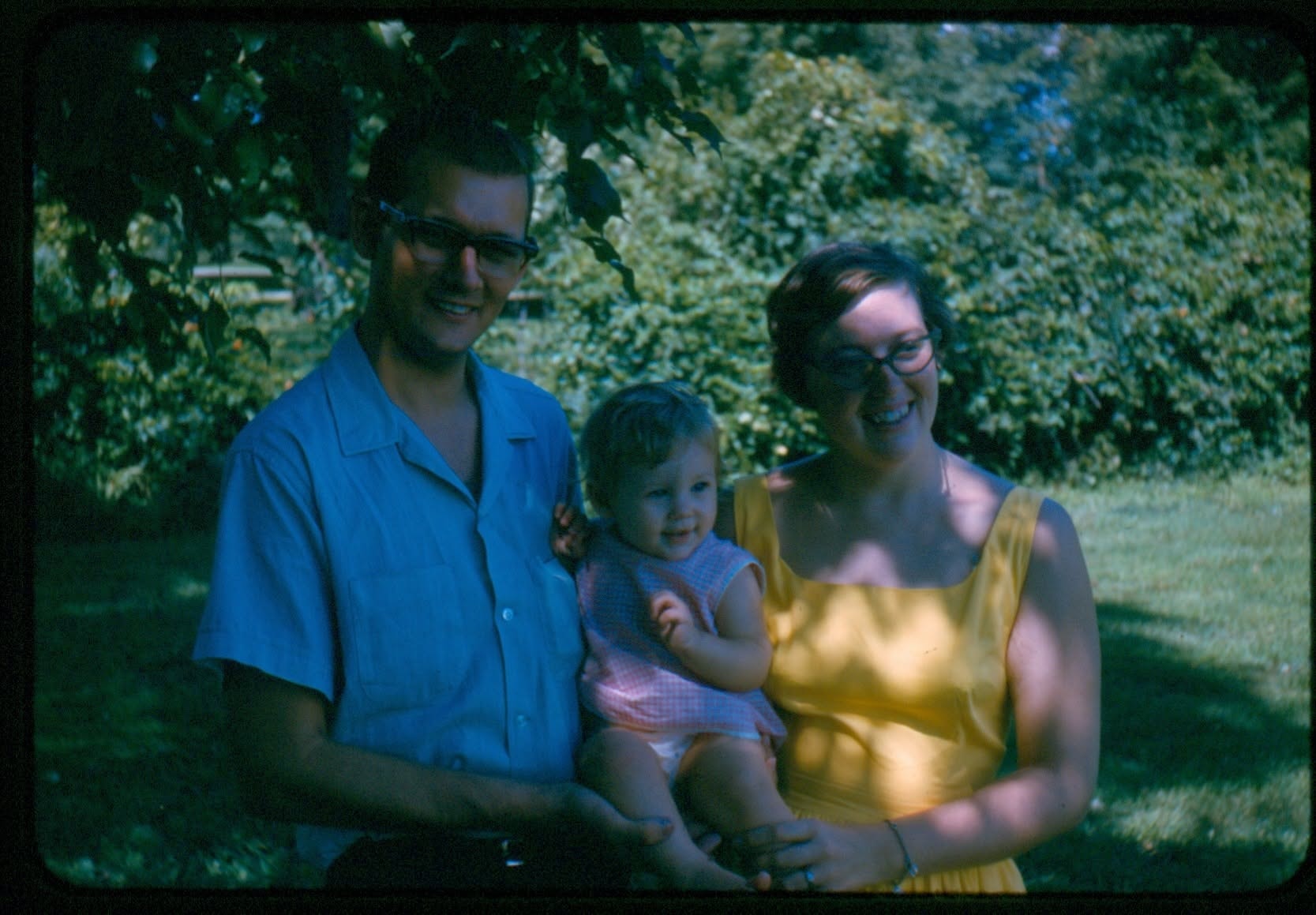 BeforeAfter
Printing and mounting
- For an easel, ask for the print mounted on foam board. It stays flat and stands up without a frame. Most print shops and office supply stores offer it, often the same or next day.
- Choose matte or lustre paper rather than gloss. Chapel and church lighting reflects off a glossy print, and guests see glare instead of the face.
- Send the file as a JPG at the size you upscaled to, and tell the shop not to resize or crop it.
- Leave a day for printing if you can. Same-day is often possible, but a reprint is not.