
Check your photo before you print it
The one number that predicts a blurry print is the photo's size in pixels. It takes ten seconds to find:
- iPhone: open the photo in Photos and swipe up. The dimensions are under the camera details, such as 3024 × 4032.
- Android: open it in Google Photos and swipe up. The details show the megapixels and the dimensions.
- Windows: right-click the file, choose Properties, then the Details tab.
- Mac: open it in Preview and choose Tools, then Show Inspector.
Divide each side by 300. That's the largest print, in inches, that will look sharp up close. A photo of 1,200 × 1,600 pixels divides to 4 × 5.3 inches, so it makes a good 4×5 and a soft 8×10. The print size chart does the arithmetic for every standard size, and checks your photo against all of them at once.
The usual causes
- Too few pixels for the size. By far the most common. The printer has to spread each pixel over more paper, and the edges go soft and blocky.
- It's a copy, not the original. Facebook, Messenger, WhatsApp and screenshots all shrink and recompress a photo. A Facebook download is typically no more than 2,048 pixels on its long side, whatever the camera took.
- It was blurry all along. A missed focus or a shaky hand doesn't show on a phone screen, which shrinks the photo down. Paper shows it at full size.
- It was cropped or zoomed. Digital zoom and cropping one face out of a group photo both throw pixels away. A face that fills a print might have been 300 pixels tall in the original.
- The print settings. A home printer on draft quality, or the wrong paper type selected, gives a soft or banded print from a perfectly good file.
- It was made by AI. Most AI image generators produce about 1,024 pixels on a side, a sharp print of only about 3.4 × 3.4 inches. See why AI images are low resolution.
How to enlarge a photo for printing without losing quality
- 1
Find the original file
If someone sent you the photo, ask them for the file straight from their camera roll, sent as a file or through a shared album rather than a message. If you took it, the copy in your own camera roll is full size even if the one you posted isn't. This is free and beats every other fix.
- 2
Print smaller
If the photo is 1,200 × 1,800 pixels, it is a sharp 4×6 and a soft 8×10. A smaller print in a bigger mat often looks better than a big print that's fuzzy.
- 3
Upscale it before printing
An AI upscaler rebuilds the fine detail a bigger print needs (edges, hair, fabric) instead of stretching the pixels you have. It can't recover a photo that was badly out of focus, and because it redraws detail, check faces at full size before you order the print. Upscale a photo to the exact size you're printing.
- 4
Fix the shape at the same time
If the print is a different shape from the photo, the lab will crop it, which on top of a small file makes things worse. Extending the photo to the print shape adds background instead, so nothing is cut off. The size pages do both in one step for each standard print size.
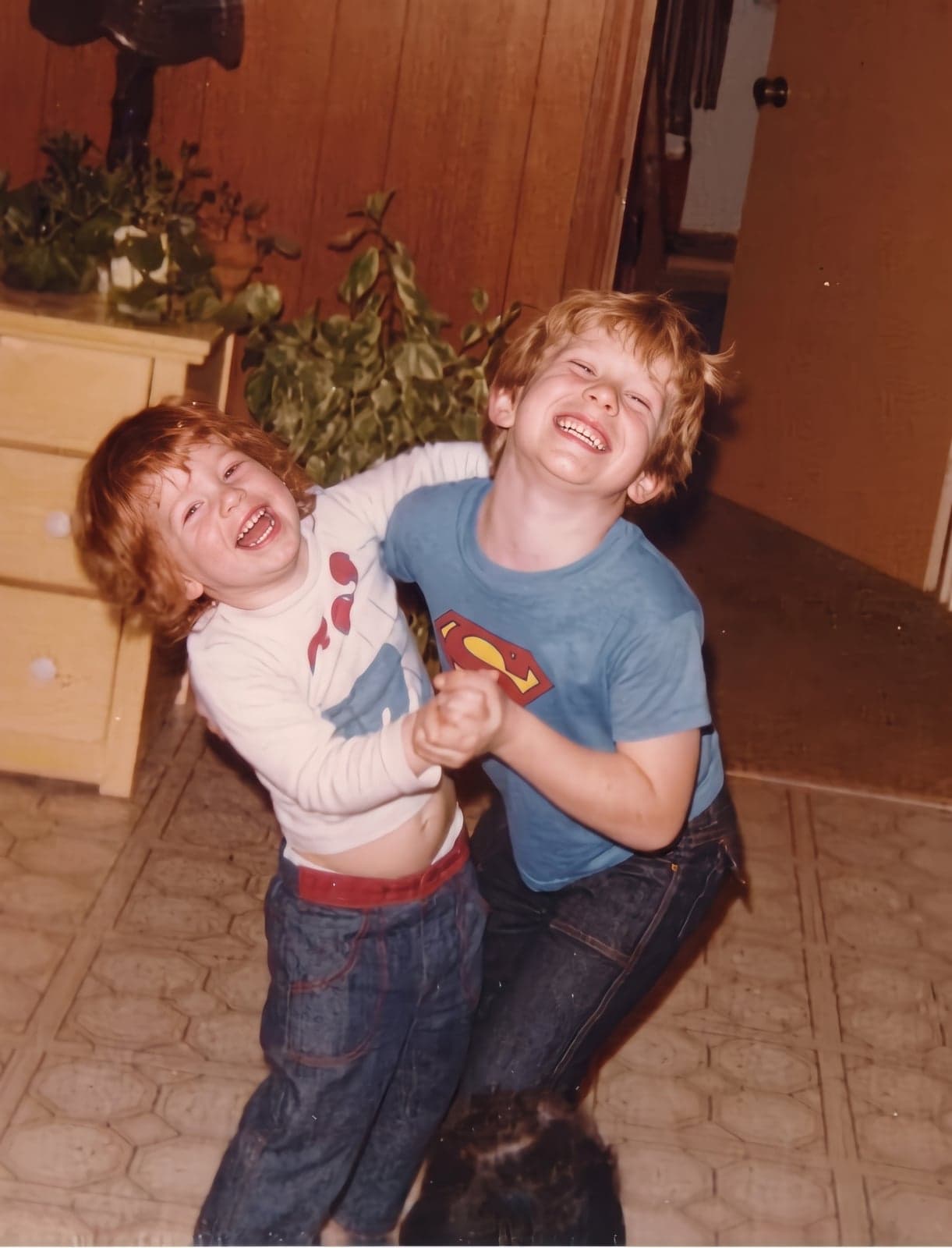
 BeforeAfter
What doesn't fix it
- Changing the DPI setting. Setting a photo to 300 DPI in an editor or an online converter changes a label inside the file, not the pixels. The print comes out exactly the same.
- Resizing it bigger in Paint, Preview or a basic resizer. That makes more pixels by averaging the ones you have, so you get a bigger version of the same blur.
- Turning up sharpening. It makes edges look crisper on screen and adds bright halos on paper, especially around faces and text.
How big can your photo print?
Typical sources and the largest print each makes. "Sharp" is 300 pixels per inch, for prints you hold. "Fine on a wall" is 150, which reads as sharp from a step away.
| Source | Pixels | Sharp (inches) | Fine on a wall (inches) |
|---|---|---|---|
| Instagram post download | Pixels: 1,080 × 1,350 | Sharp (inches): 3.6 × 4.5 | Fine on a wall (inches): 7.2 × 9 |
| Facebook photo download | Pixels: 1,536 × 2,048 | Sharp (inches): 5.1 × 6.8 | Fine on a wall (inches): 10.2 × 13.6 |
| 8-megapixel phone or older camera | Pixels: 2,448 × 3,264 | Sharp (inches): 8.1 × 10.8 | Fine on a wall (inches): 16.3 × 21.7 |
| 12-megapixel phone (most iPhones and Androids) | Pixels: 3,024 × 4,032 | Sharp (inches): 10 × 13.4 | Fine on a wall (inches): 20.1 × 26.8 |
Sizes are approximate. A cropped photo has fewer pixels than its source, so check the file itself.