
Make Blurry PhotosReady to Print
Blurry, soft, or compressed? Upload up to five and get each one back sharper and clearer in about twenty seconds, sized for any print from 4×6 to poster.
Drop images, or click to browseTap to choose photos
JPG, PNG, HEIC, WEBP (up to 50MB each) · up to 5 at once
From $1.99 · no account · nothing uploaded until you continue
Paid through Stripe · deleted after 48 hours · never used to train AI
Each extra image $1.99 $0.99 · up to 5 per order
Not sure it needs it? Check how big it can print or crop it to a print size, free and without uploading.
Real results
 BeforeAfter
Drag to compare
Any Size. Any Shape.
Frames, prints, screens, and social posts all come in fixed shapes, and your photo rarely matches. Cropping cuts off the parts you wanted; stretching distorts them. Enter the size you need instead — we extend the scene outward to fill it and sharpen the whole image in the same pass.
Turn on Select a specific size when you upload, or start from a common size. Plenty of background to spare? Crop it free instead. Making wall art? Turn a photo into a poster.
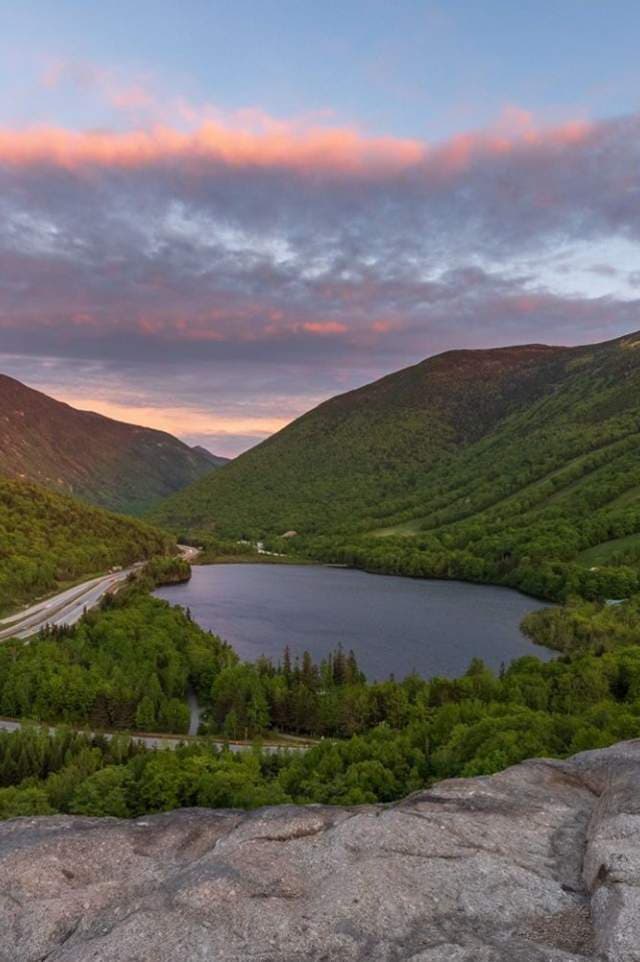
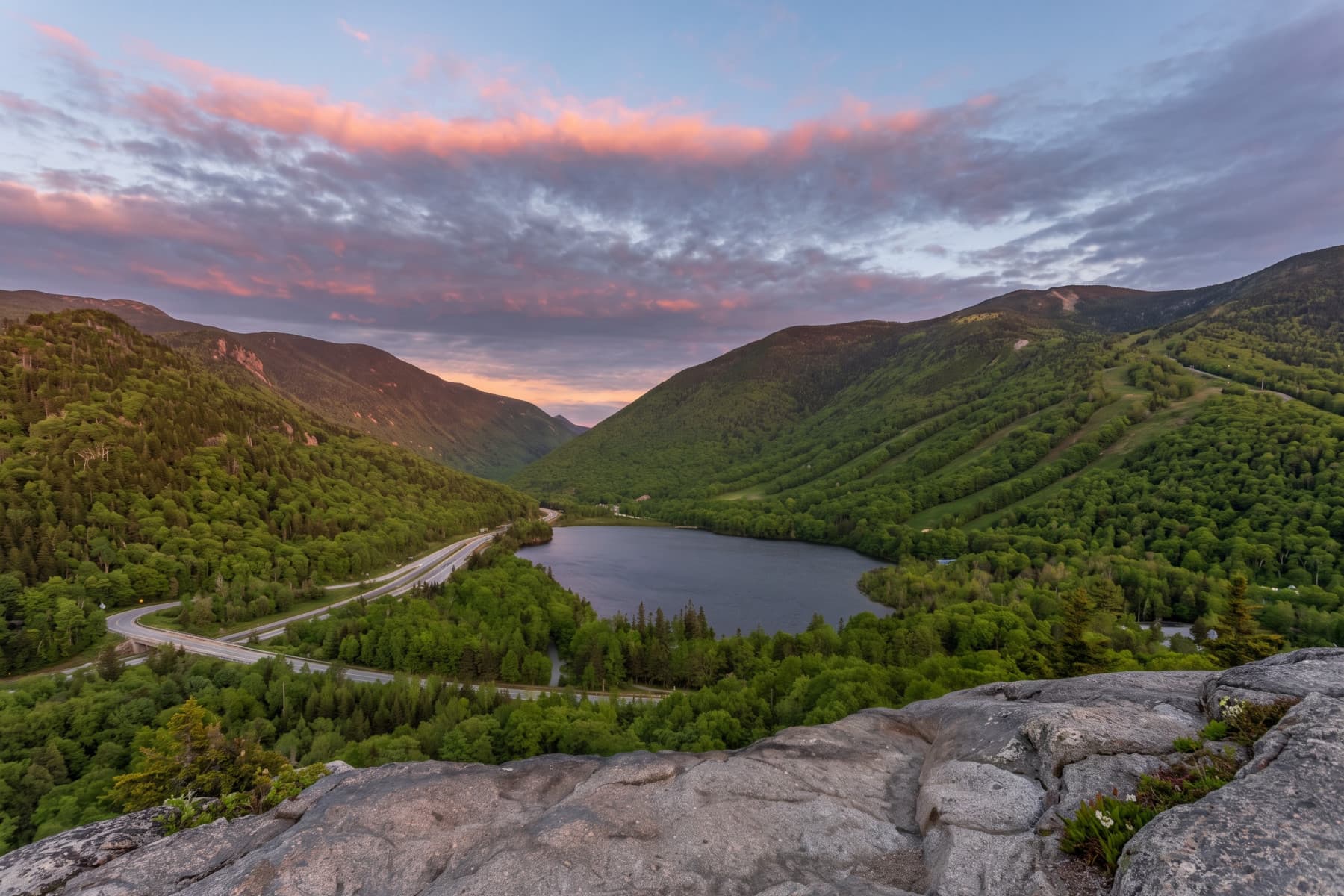
Same photo, new shape. Nothing stretched, nothing important cropped away.
Old Photos? Restore Them.
Old photo restoration repairs tears, cracks, scratches and fading, and fixes colors gone purple or yellow with age. Keep a black-and-white photo as it is, or colorize it with natural color, then print it at any size.
New to it? How to restore old photos, free options included.
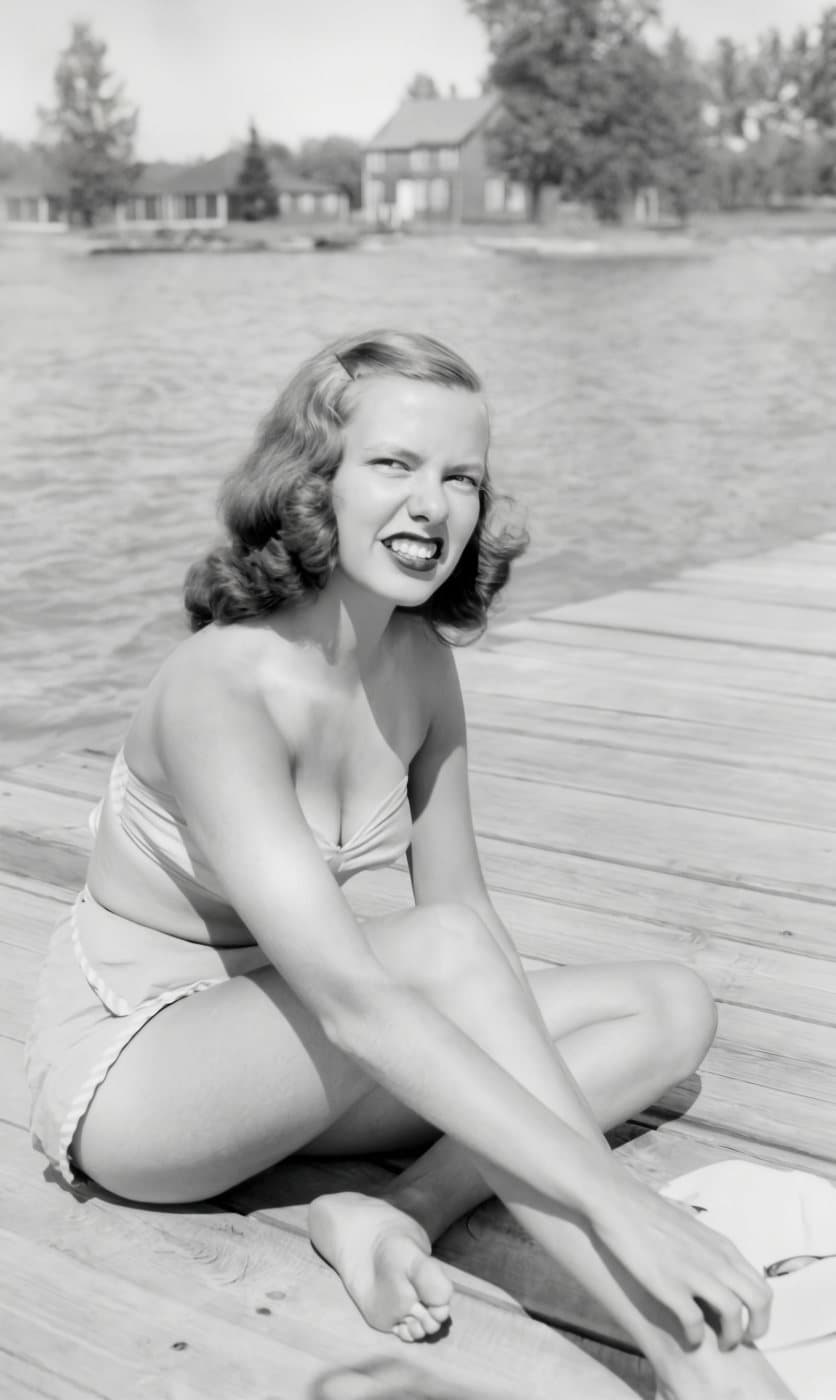
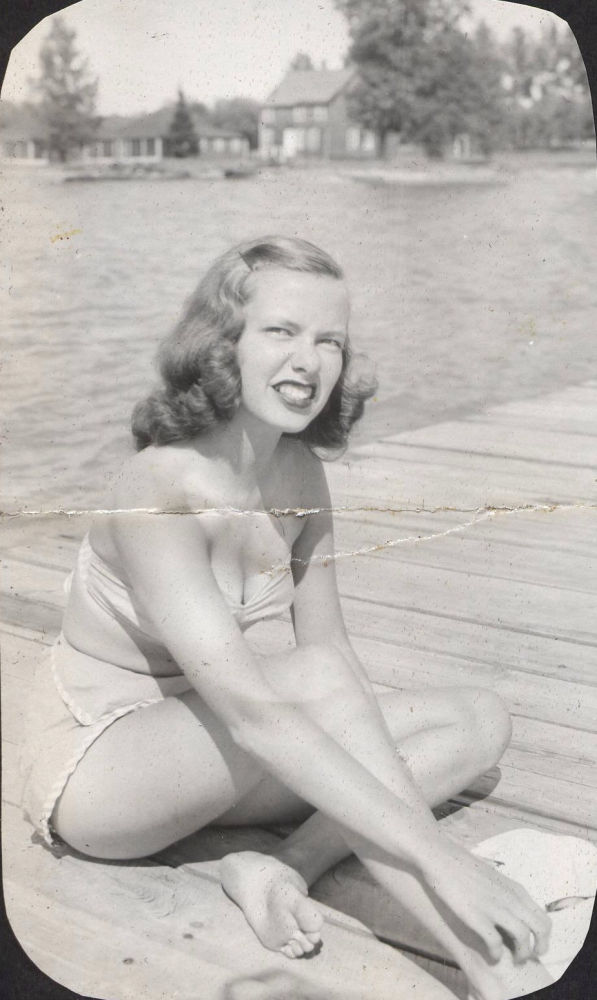 BeforeAfter
Three Steps. No Account in Any of Them.
Upload your images
Drag in up to five, or paste from your clipboard. Nothing leaves your browser until you continue.
Pay once
One checkout for the whole batch, handled by Stripe — and each image after the first costs less. We never see your card. Stripe collects your email so we know where to send it.
Get it back
About twenty seconds per image later they appear on screen, and in your inbox as a private link.
Why Upscale an Image?
Most images lose detail long before you need them — compressed by a messaging app, saved at thumbnail size, scanned years ago, or cropped down to almost nothing. Upscaling rebuilds that detail so the image holds up wherever you use it.
Printing and enlargements
Print is far less forgiving than a screen. An image that looks fine on your phone can turn soft and blocky once it's on paper at any real size. Enhancing it first is what makes posters, canvases, framed prints, and photo books come out sharp.
How big can your photo print?Old and scanned photos
Family photos scanned on an old flatbed, or digitised at whatever resolution was normal at the time, are often far too small by modern standards. Upscaling brings them up to something you can actually work with.
What actually unblurs a photoCompressed phone photos
Anything sent over text, WhatsApp, or Messenger gets compressed hard on the way. The copy you saved is a fraction of the original. Upscaling recovers a lot of what that compression threw away.
Printing a photo saved from FacebookCrops and zoomed-in shots
Cropping throws away detail. Zoom in on one face in a group shot and you're left with a soft, smeared mess. Enhancing the crop gives you back something you can actually use.
Crop a portrait from a group photoScreens, slides, and social
Modern displays are unforgiving — anything soft looks obviously soft. Enhancing stops images going fuzzy in presentations, on websites, or as a profile or cover photo.
Screen and social sizesListings and product shots
Marketplaces and storefronts usually set minimum image sizes, and buyers zoom in. A sharper, larger photo simply presents better than a small one stretched to fit.
A whole catalogue? Use StudioNot Bigger. Actually Sharper.
Stretching an image just makes the blur bigger. We rebuild soft edges, clean up grain and compression artifacts, and reconstruct fine detail that the original lost — so it holds up close.
Still your photo. The composition, the proportions, the shapes of things, and the people in it stay as they were. We rebuild detail around what’s already there, so the more your original shows, the more we have to work with.
Results depend on the original — but there’s no size threshold. A large photo can be just as soft as a small one.
Your Images Stay Yours
Deleted within 48 hours
Your image and the result are erased automatically two days after delivery. Unpaid uploads go within two hours. We never train on your images.
Refunded if it fails
Occasionally our processor declines an image, or something breaks. You're refunded automatically for anything we couldn't deliver — the rest of your batch still arrives, and you don't have to ask.
No account, ever
No password, no subscription, no marketing list. Stripe collects an email so we can send your result, and that's the whole relationship.
For upscaling in bulk
More than a handful of images? Use Resly Studio.
Customer orders, a whole shoot, a box of scanned family photos, every listing in your shop: if there’s a pile, Studio is the cheaper way through it. The same enhancement with an account. Buy credits instead of paying at checkout, keep every job for 7 days, and download PDF, JPG or PNG files that open at the print size.
- lowest price per image
- $0.50
- of job history to download again
- 7 days
- PDF page, or any size you pick
- 24 × 36 in
Questions
More in the printing guides, or see how Resly compares with Topaz, Upscayl and others.
My image is already large — will this still help?
Yes. Size and sharpness are different things: a big photo can still be blurry, soft, or heavily compressed. If it doesn't look right to you, it's worth running. There's no size threshold.
How long does it take?
About twenty seconds per image, so under two minutes for a full batch of five. Stay on the page and watch, or close it — the result is emailed to you either way.
Will this make my image good enough to print?
In most cases, yes — print shows up softness that a screen hides, and that's exactly what this fixes. How large you can go depends on your original, so if it's for something big, print a test first.
Does the AI make things up?
It rebuilds fine detail — edges, textures, strands of fur — by inferring it from your photo, so that detail is reconstructed rather than recovered. What it doesn't change is the picture itself: layout, proportions, and who's in it stay put. It can't restore what the camera never captured, so a badly out-of-focus shot improves less than a slightly soft one.
What if I don't like the result?
Results depend a lot on the original. If the process fails outright you're refunded automatically. If it succeeds but you're unhappy, get in touch and we'll sort it out.
Why would an image be declined?
Our image processor occasionally refuses to work with an image, including ordinary family photos. It isn't a judgement about your picture and it isn't something you did. When it happens you're refunded in full and told by email.
Can I upload several images?
Yes — up to five in one order, each with its own output size, paid for in a single checkout. Every image after the first is cheaper.
I have dozens of images. Is there a cheaper way?
Yes: Resly Studio, the account version. You buy credits ahead instead of paying per order, which costs less per image, and every job is kept for 7 days. It isn't only for businesses. A photographer's shoot, a box of scanned family photos, or a shop's own listings are all good reasons to use it, and credits never expire.
Can I change my image's shape without cropping it?
Yes. Turn on Select a specific size, enter the size you need, and we extend the scene outward to fill the new shape — so a vertical phone photo can become a landscape print without stretching anything or cutting anyone out. The added area is generated to match your photo, and the whole image is sharpened in the same pass.
What if I'd rather crop?
Crop when there's spare background around what matters. Turn on Select a specific size and choose Crop to fit, or use the free crop tool, which runs in your browser without uploading anything and tells you whether the crop has enough pixels to print sharp.
How large can I make it?
Any size and shape you like — enter the canvas you need and we deliver it. Fine detail is reconstructed at up to 4K, about 16 megapixels: always when you don't choose a size, and whenever the size you choose needs it. It's included in the price. It's then fitted to your canvas, so a canvas bigger than that is scaled up rather than rebuilt at that size. At 300 DPI that's sharp to about 11×14; larger prints are seen from further away and look sharp at less.
What formats can I upload?
JPG, PNG, HEIC (straight from an iPhone), WEBP, and most other common image formats, up to 50MB. Very large photos are resized automatically before upload.
Do you keep my image?
No. Results are deleted 48 hours after delivery and unpaid uploads within two hours. We keep the payment record for accounting, with your email removed.
Specifications
Every limit below is the one the product actually enforces.
| Maximum output | 8,000px on the long side, up to 16 megapixels |
|---|---|
| Output shape | Any aspect ratio you type, in inches, centimetres or pixels — the scene is extended, never cropped or stretched |
| AI detail | Rebuilt at up to 4K, about 16 megapixels whenever you don't choose a size or choose one that needs it, at no extra cost |
| Print resolution | 300 DPI |
| Upload formats | JPG, PNG, WEBP, HEIC and HEIF |
| Maximum upload | 50 MB per image |
| Images per order | Up to 5 |
| Turnaround | About 20 seconds per image |
| Account required | No |
| Watermark | None |
| Subscription | None — pay per image |
| Price | From $1.99 per image. Each additional image in the same order costs less. |
Got an Image That’s Too Small?
About twenty seconds each, and refunded automatically for anything we can’t deliver.
No account required
Got dozens? Upscale them in bulk with Resly Studio