
Bring Your Old Family Photos Back to Life
Tears, scratches, creases and fading repaired. Black-and-white kept as it is, or brought into natural color. Sharp enough to print and frame at any size.
$1.99 a photo · no account, no app · about 20 seconds
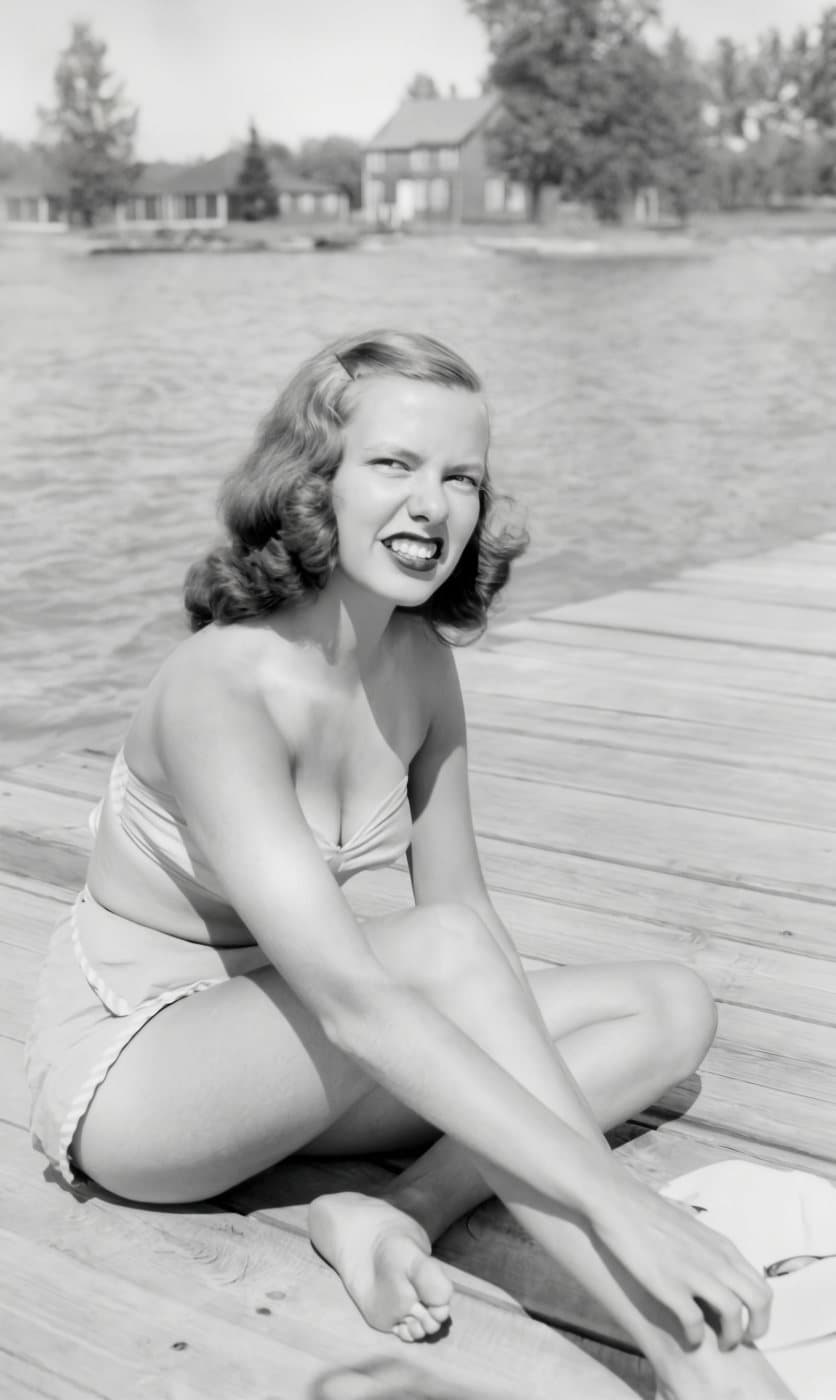
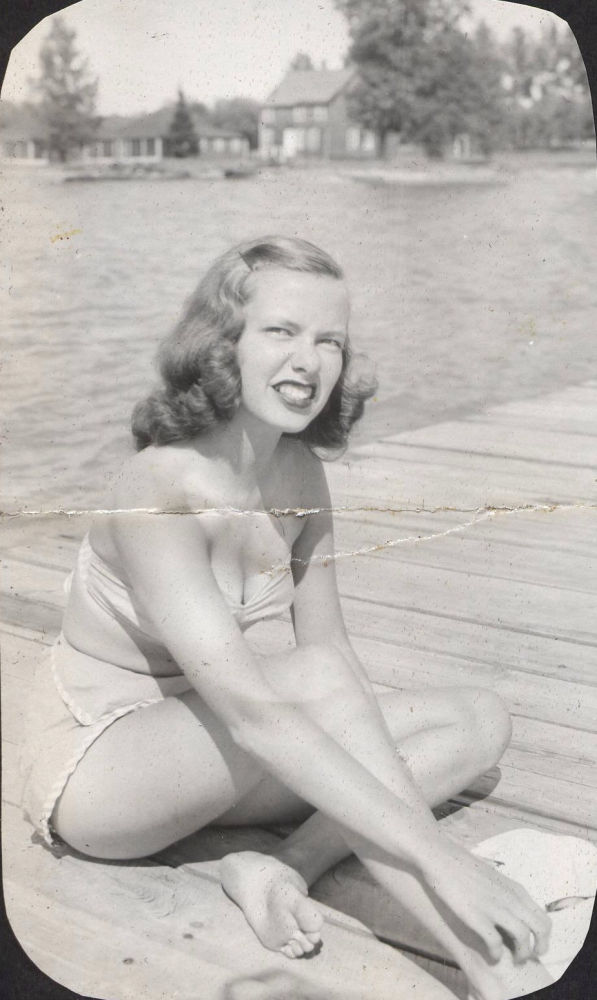 BeforeAfter
Restore a photo
Photograph the print straight on so it fills the picture, or upload a scan.
Drop images, or click to browseTap to choose photos
JPG, PNG, HEIC, WEBP (up to 50MB each) · up to 5 at once
From $1.99 · no account · nothing uploaded until you continue
Each extra image $1.99 $0.99 · up to 5 per order
Old Photo Restoration: Real Results
Drag across each photo to compare. Every one is exactly what Resly returned, untouched.
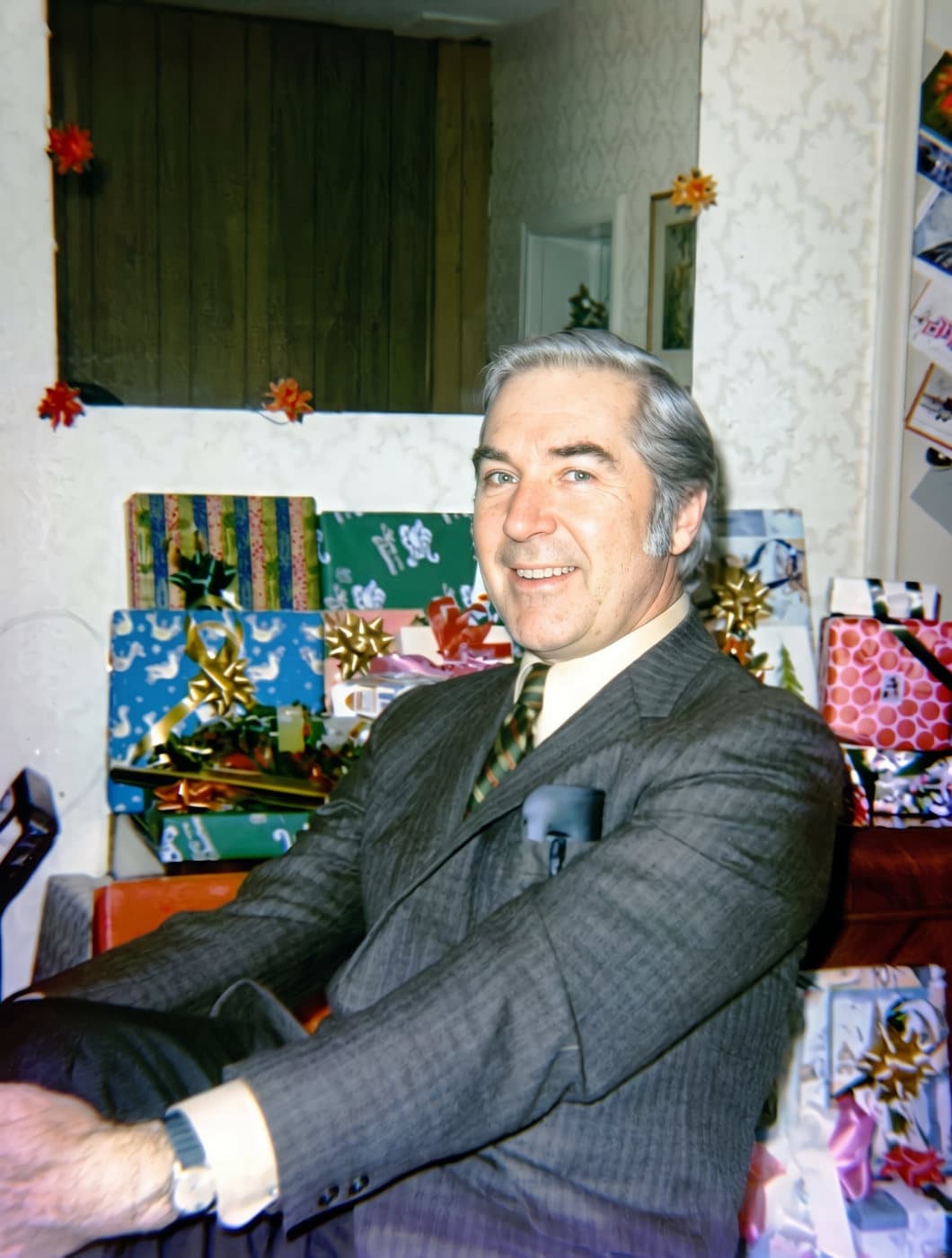
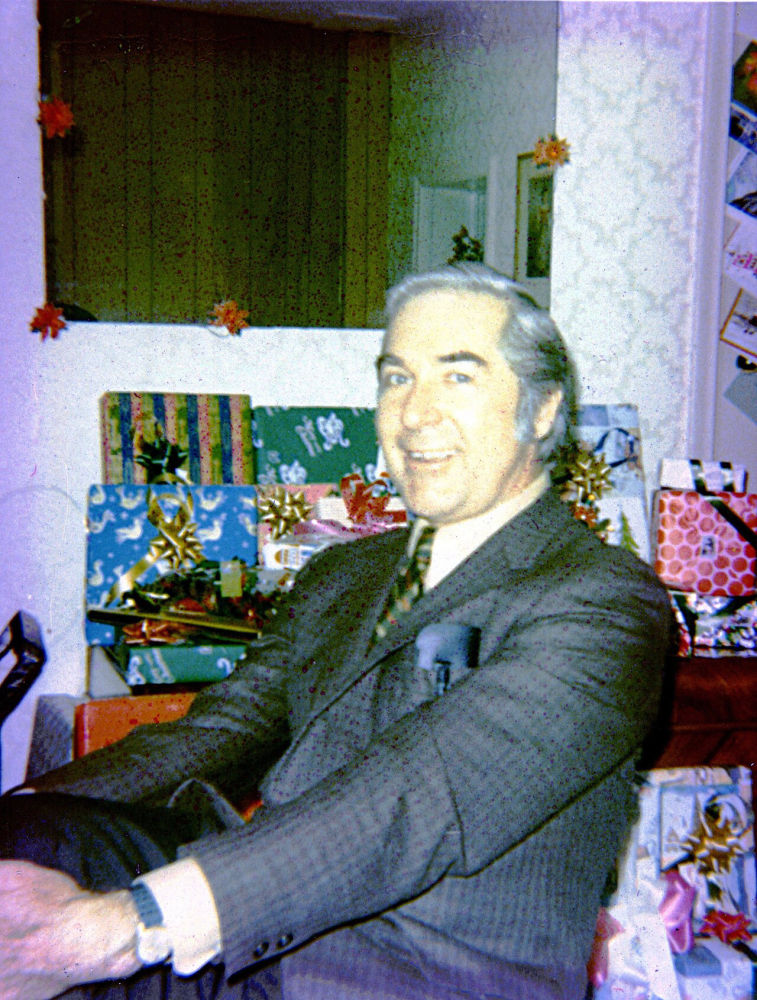 BeforeAfter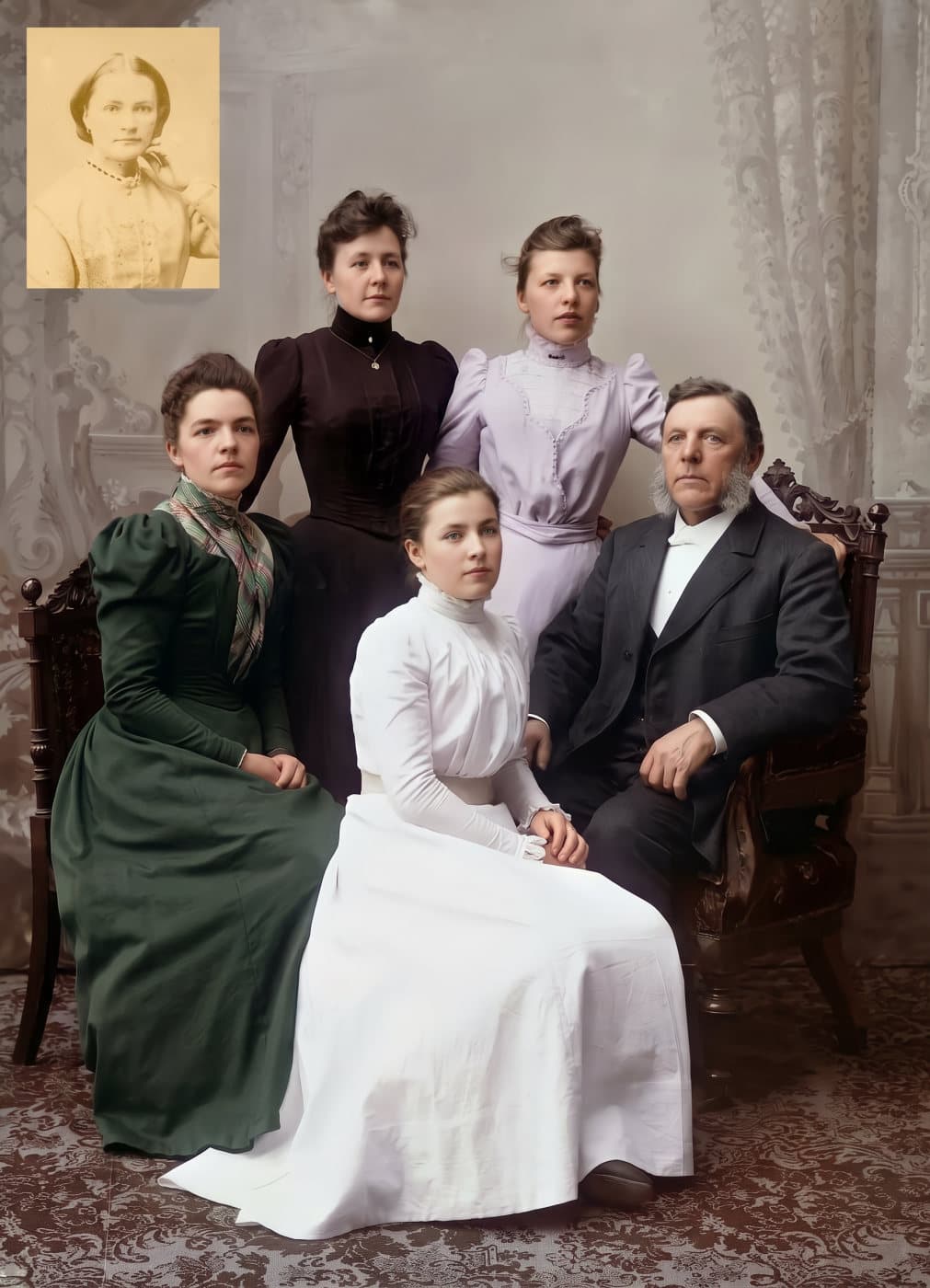
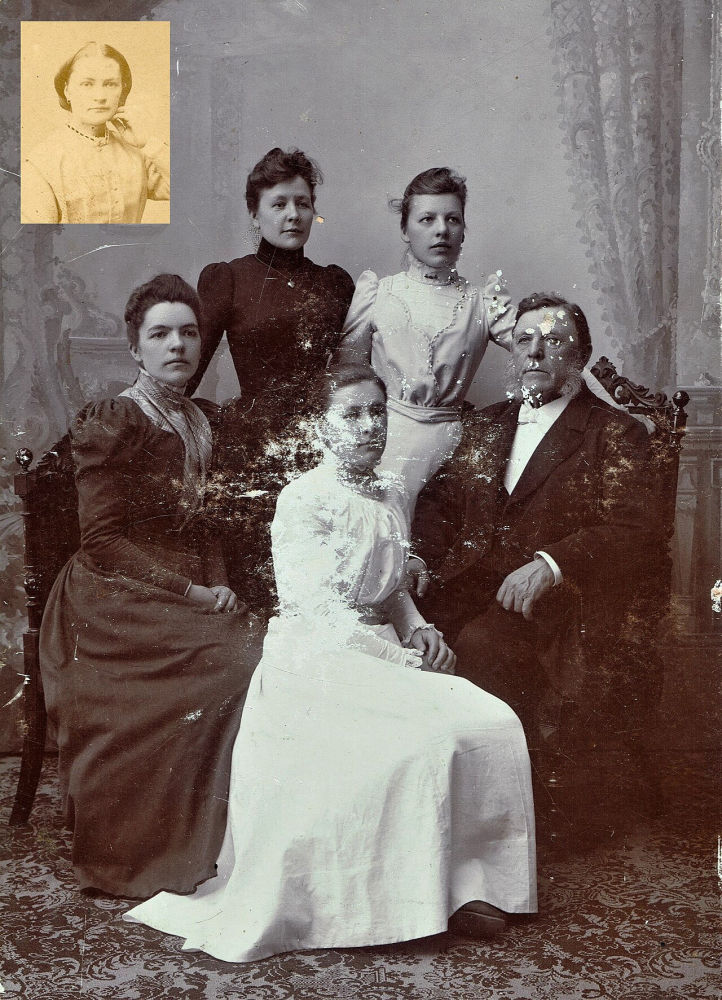 BeforeAfter
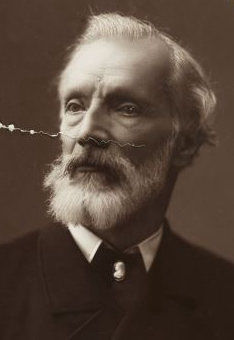 BeforeAfter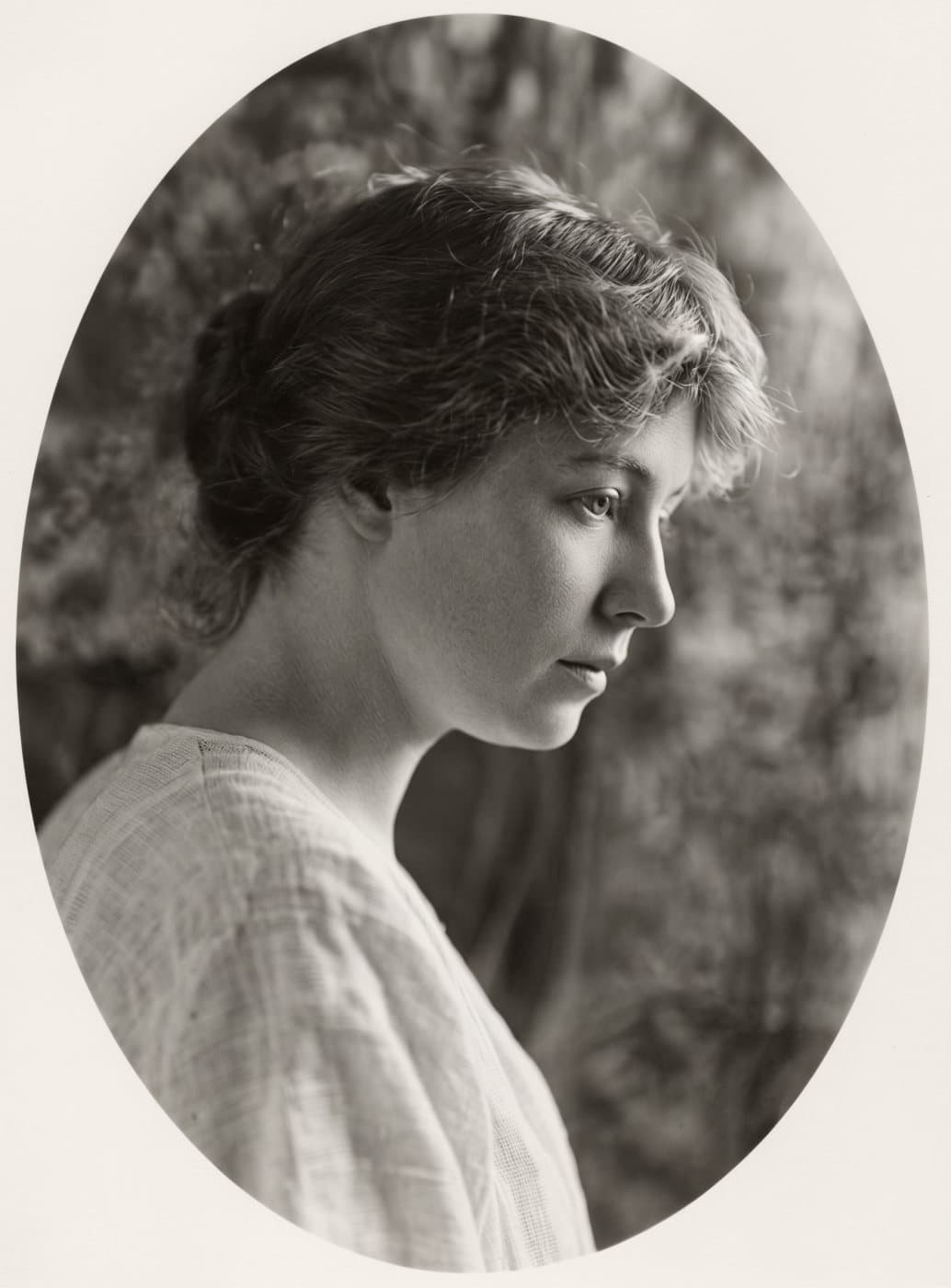
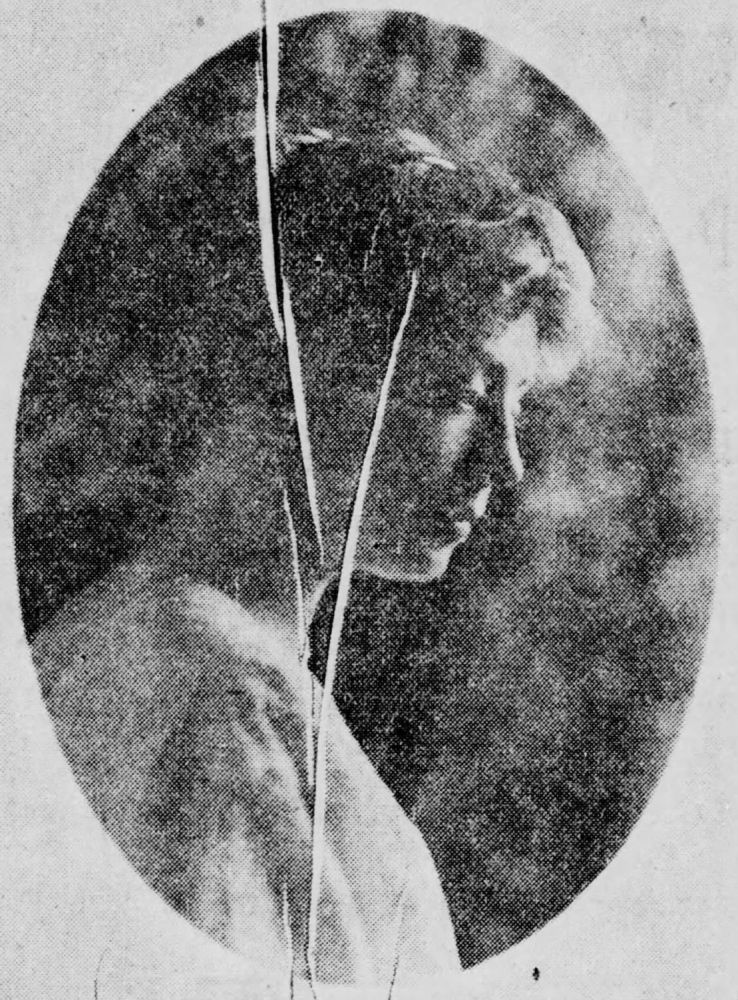 BeforeAfter
The Photos in the Box Won’t Last Forever
Prints fade, crack and yellow a little more every year, and many families have only one copy of a wedding, a grandparent or a childhood home. A restored digital copy can be shared with the whole family, printed again and kept safe for good.
What our photo restoration fixes
- Tears, cracks and fold lines, even across a face
- Scratches, dust, spots and stains
- Fading, yellowing and colors gone purple or orange with age
- Blurry, small or grainy copies
- Black-and-white photos, in natural color if you'd like
- Any print size: 4×6 up to 16×20 and beyond, ready to frame
How It Works
Take a picture of the photo
Use your phone, or a scanner if you have one. Lay the photo flat by a window, hold the phone straight above it, and fill the screen with the photo.
Upload it here
Up to five photos at a time. Choose whether to keep the colors or add color, and pick a print size if you want one.
Get it back restored
About 20 seconds per photo. It appears on screen and arrives by email, ready to save, share or print.
Questions
How do I get my old photos onto the computer?
A phone works well. Lay the photo flat near a window (not under a lamp, which causes glare), hold the phone directly above it so the photo fills the screen, and take the picture. A flatbed scanner at 600 DPI is better still, and many libraries and print shops will scan photos for you. Take the photo out of a plastic sleeve or album page first if you can.
Will it still look like my family?
That is what we test for first. The restoration repairs the damage around people's faces and keeps their features, expression and age as they are. Adding color changes faces slightly more than restoring alone, so if a face looks wrong in color, choose "Keep its colors" instead.
What if part of a face is missing?
Then any restoration, by a computer or a person, is a guess. Where a face is torn away, water-damaged or faded to almost nothing, the result will look like a real face, but it may not look like the person. When most of a face survives, the restored face is theirs. We'd rather tell you this now than have you find out after.
Can I print it big?
Yes, and this is where Resly differs from phone apps. Choose a print size such as 8×10 or 16×20 and the restored photo comes back at full print resolution, in that exact shape. If the photo's shape doesn't match the frame, the background is extended to fill it instead of cutting anyone off.
Is it a good gift?
Restored photos of grandparents, parents and old family gatherings are some of the most loved gifts there are, especially framed. Restore the photo here, then print it at a local print shop, pharmacy photo counter or online print service.
What do I need to sign up for?
Nothing. No account, no app and no subscription. You pay for the photos you restore, and if we can't restore one, that photo is refunded automatically.
What happens to my photos?
They're used only to make your restoration, and both your upload and the result are deleted automatically after 48 hours. Save your restored photos when they're ready.
Mostly black-and-white photos? Colorize them. Want to know your options first? Read how to restore old photos, free ways included. Only need a photo sharper or bigger? Upscale it instead.