
Colorize Black and White Photos in Natural Color
See your family’s old black-and-white photos the way they looked in life. Scratches and tears are repaired first, then natural color goes on, sharp enough to print and frame.
Free preview · $1.99 to download · no account, no app
Colorize a photo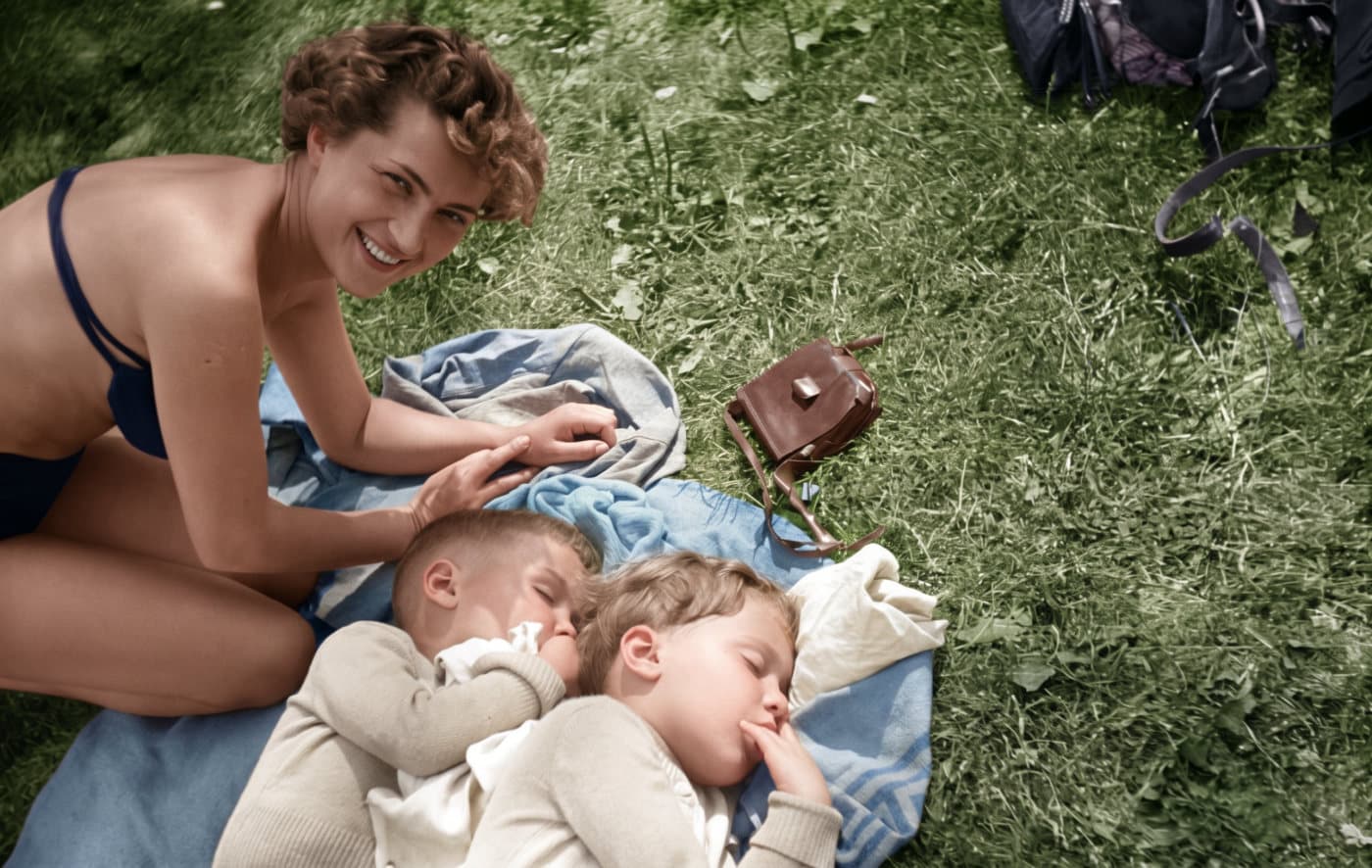
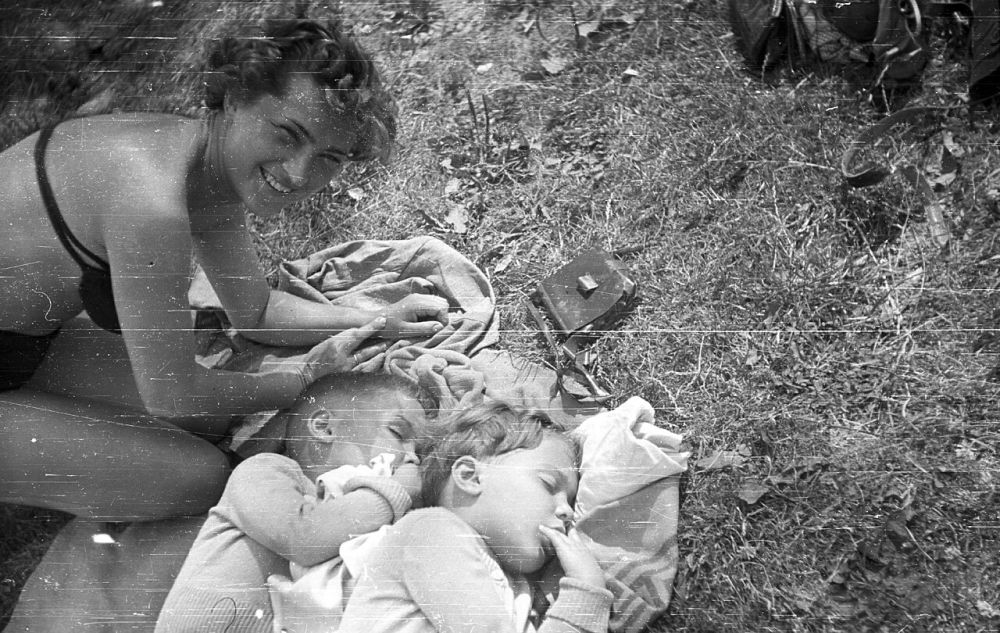 BeforeAfter
Colorize a photo
Photograph the print straight on so it fills the picture, or upload a scan. Taken at an angle? Straighten it free first.
Lay it flat by a window and hold the phone straight above it.
Drop images, or click to browseTap to choose photos
JPG, PNG, HEIC, WEBP (up to 50MB each) · up to 5 at once
Free preview · No account needed · Deleted after 48 hours · Never used to train AI
Black and White to Color: Real Results
Drag across each photo to compare. Every one is exactly what Resly returned, untouched.
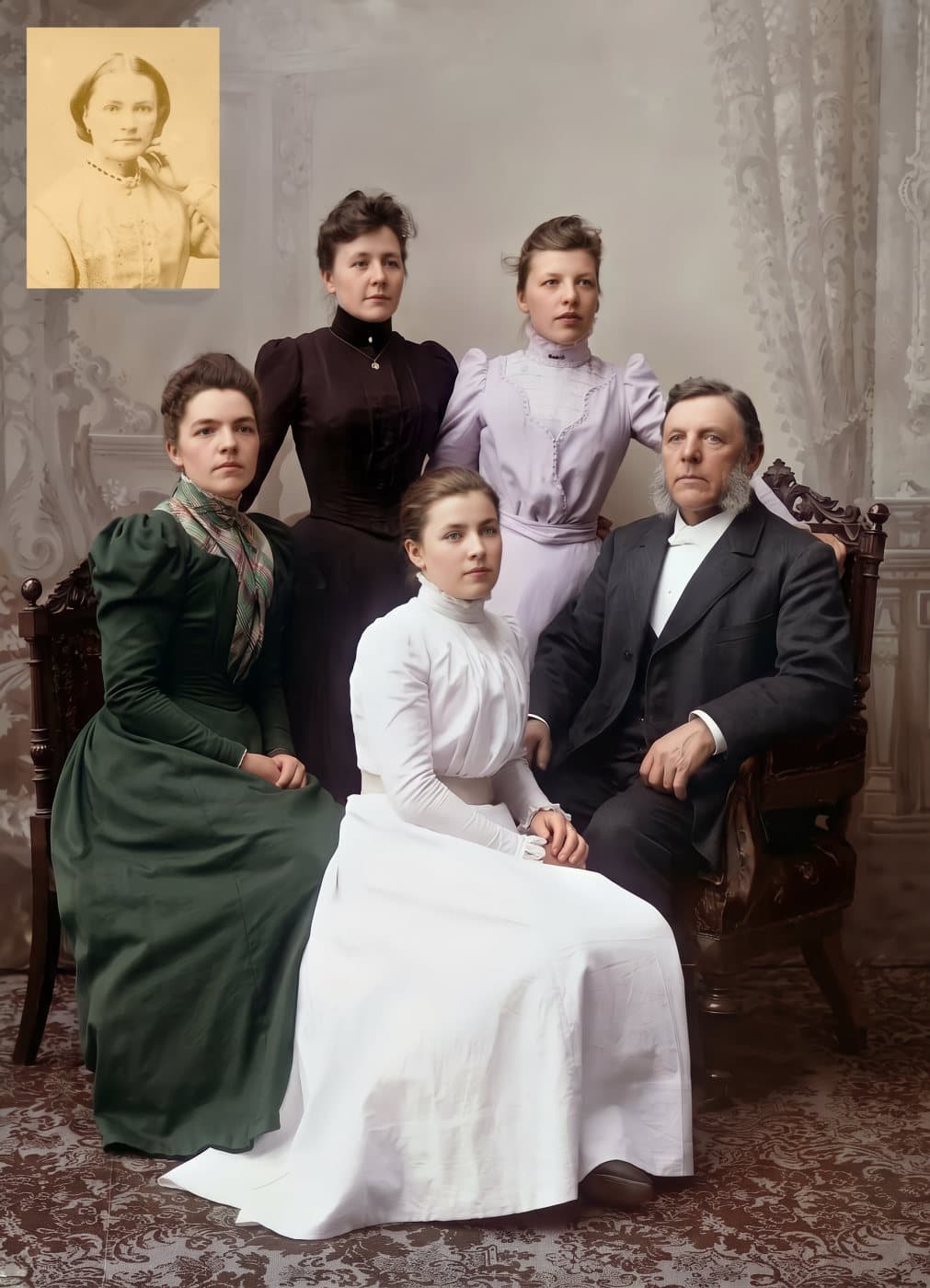
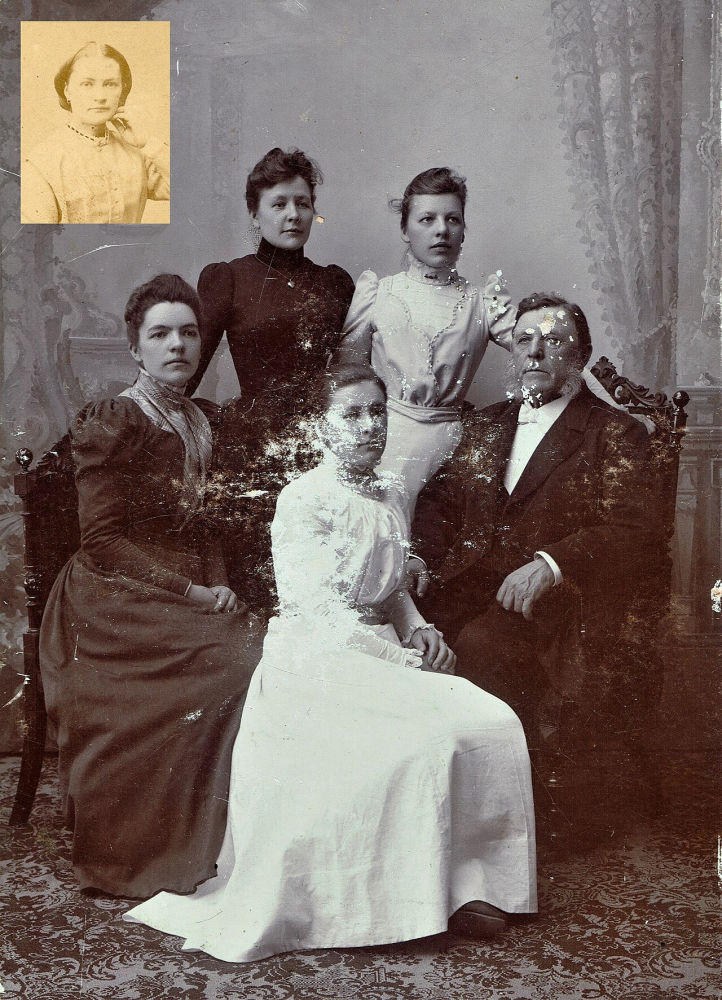 BeforeAfter

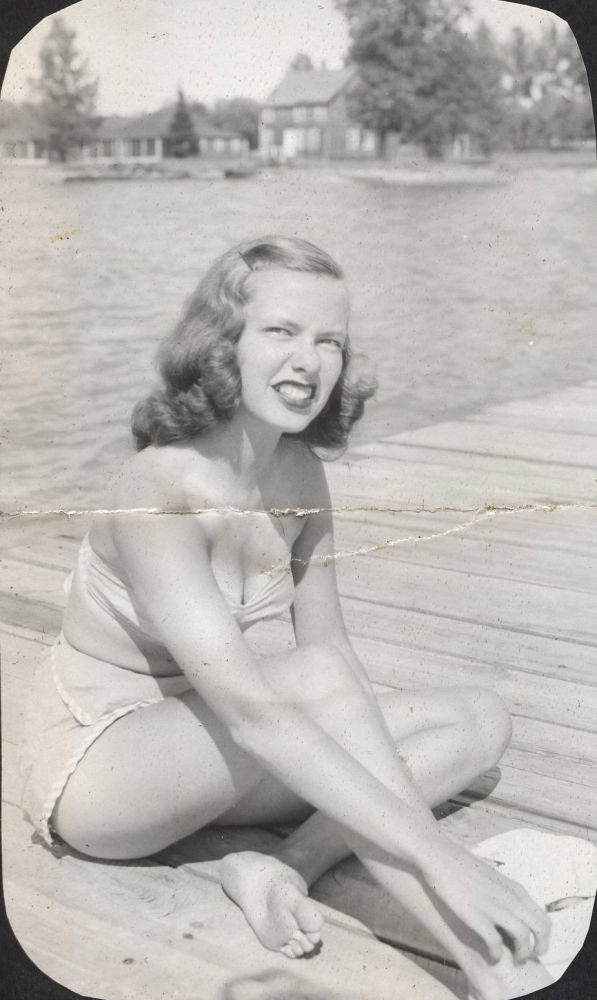 BeforeAfter

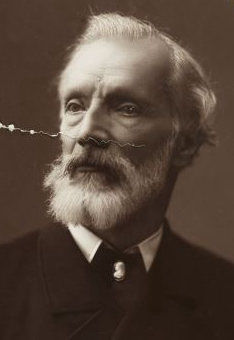 BeforeAfter
A Photo Colorizer That Repairs First
Most colorizers paint straight over the damage, so the scratches and creases come out in color too, at a size made for a phone screen. Resly restores the photo first, then colors it, then hands it back at a size you can print and hang.
Want to keep the original black and white? Restore it without color.
- Natural skin tones, hair, clothing and skies, not painted or oversaturated
- Scratches, tears, spots and fading repaired before coloring
- Faces kept as they are: same features, same expression
- Works on black-and-white and sepia prints, slides and scans
- Sharp enough to print at 8×10, 16×20 or any size you choose
- Not happy with the color? Restore the same photo in black and white instead
Restoring a photo as a gift?
A restored family photo is one of the few gifts that can't be bought in a store. Ideas for everyone on the list, and when to order for the holidays.
Christmas gifts for grandma
Eight gift ideas built around restored family photos, and when to order them.
Christmas gifts for grandpa
Eight gift ideas for grandpa built around restored old photos, and when to order them.
Sentimental gifts for mom
Ten photo-based gift ideas for mom, for Christmas, birthdays and Mother's Day.
Sentimental gifts for dad
Ten photo-based gift ideas for dad, for Christmas, birthdays and Father's Day.
Anniversary gifts for parents
Ten photo-based anniversary ideas for parents, and the traditional gift for each milestone.
80th birthday gift ideas
Ten photo-based gift ideas for an 80th birthday, plus a 70th or 90th.
For someone who has lost their mother: memorial gifts built around her photo. Left it late? A same-day Christmas photo gift.
Colorizing Questions
Can I see it in color before I pay?
Yes. Upload a photo and it appears colorized in about 20 seconds as a free preview, smaller and watermarked. If you like it, download the full-resolution photo without the watermark. If you don't, you've paid nothing, and the photo is deleted after 48 hours.
How does photo colorization work?
An AI model that has learned what the world looks like in color predicts the most likely color for every part of a black-and-white photo: skin, hair, fabric, foliage, sky. It's an informed guess rather than a record. The original colors of a dress or a car were never captured on black-and-white film, so they can't be recovered, only made believable.
Will the colors be accurate?
Skin, sky, grass and wood come out close to life because they're predictable. Clothing, cars and painted walls could have been any color, so the model picks a plausible one. If you know grandma's dress was blue and it came out green, that's the limit of colorizing from black and white, by any tool or artist.
Does it fix damage too?
Yes. Every photo is restored first: tears, cracks, scratches, dust, stains and fading are repaired, then the color goes on. Free colorizers usually color the scratches along with everything else.
Will the people still look like themselves?
That's the first thing we check. Colorizing changes a face more than restoring alone, so if a face doesn't look right in color, restore the same photo in black and white instead. Where a face was badly damaged in the original, any restoration has to guess at it.
Is there a free way to colorize a photo?
Several free apps colorize at screen size, often with a watermark, and without repairing damage. They're fine for a quick look. Resly is for the photos you want to keep, share or frame: repaired, colored and sized for printing. You see your own photo colorized free first, then pay one small price per photo to download it, with no account or subscription.
How do I get an old print onto my computer?
Lay it flat near a window, hold your phone straight above it so the photo fills the screen, and take the picture. A flatbed scanner at 600 DPI is better if you have one.
More on bringing old photos back: how to restore old photos. Rather do it yourself? See how to colorize a photo in Photoshop.