
Resolution by viewing distance
Good eyesight tells apart details about one arcminute apart. Turn that into pixels per inch at a distance and you get the rule above. Past that resolution, extra pixels are invisible from where people stand.
| Viewing distance | DPI the eye resolves | Typical print |
|---|---|---|
| 1 ft | DPI the eye resolves: 287 | Typical print: Photo prints, books, cards |
| 3 ft | DPI the eye resolves: 96 | Typical print: Posters, framed prints, menus |
| 6 ft | DPI the eye resolves: 48 | Typical print: Pull-up banners, trade show graphics |
| 10 ft | DPI the eye resolves: 29 | Typical print: Hanging banners, shop windows |
| 20 ft | DPI the eye resolves: 14 | Typical print: Building banners, large signs |
| 50 ft | DPI the eye resolves: 6 | Typical print: Billboards, building wraps |
3,438 ÷ distance in inches, rounded. Real jobs add margin, because someone always walks right up to the banner.
Pixels for common sizes
| Size | Usually printed at | Pixels needed |
|---|---|---|
| 18×24 in poster | Usually printed at: 150 DPI | Pixels needed: 2,700 × 3,600 px |
| 24×36 in poster | Usually printed at: 150 DPI | Pixels needed: 3,600 × 5,400 px |
| 33×81 in pull-up banner | Usually printed at: 100 DPI | Pixels needed: 3,300 × 8,100 px |
| 3×6 ft vinyl banner | Usually printed at: 100 DPI | Pixels needed: 3,600 × 7,200 px |
| 4×8 ft vinyl banner | Usually printed at: 75 DPI | Pixels needed: 3,600 × 7,200 px |
Common shop defaults, not rules. Check what your printer or RIP expects.
When the customer file is still too small
- Work out the effective DPI first: the file's pixels divided by the print's inches. A customer's 2,000-pixel-wide logo across a 6 ft banner is 28 DPI: fine from 10 feet, soft up close.
- Ask for the original or a vector before anything else. Logos and type almost always exist as vectors somewhere; see upscaling a logo for a banner.
- Upscale photos to the size they'll print at. Resly delivers up to 16 megapixels, which across a 3×6 ft banner works out at about 79 DPI, fine from a few metres away.
- Don't let the RIP enlarge it. Enlarging in the RIP adds pixels without adding detail; a proper upscale rebuilds the detail first.
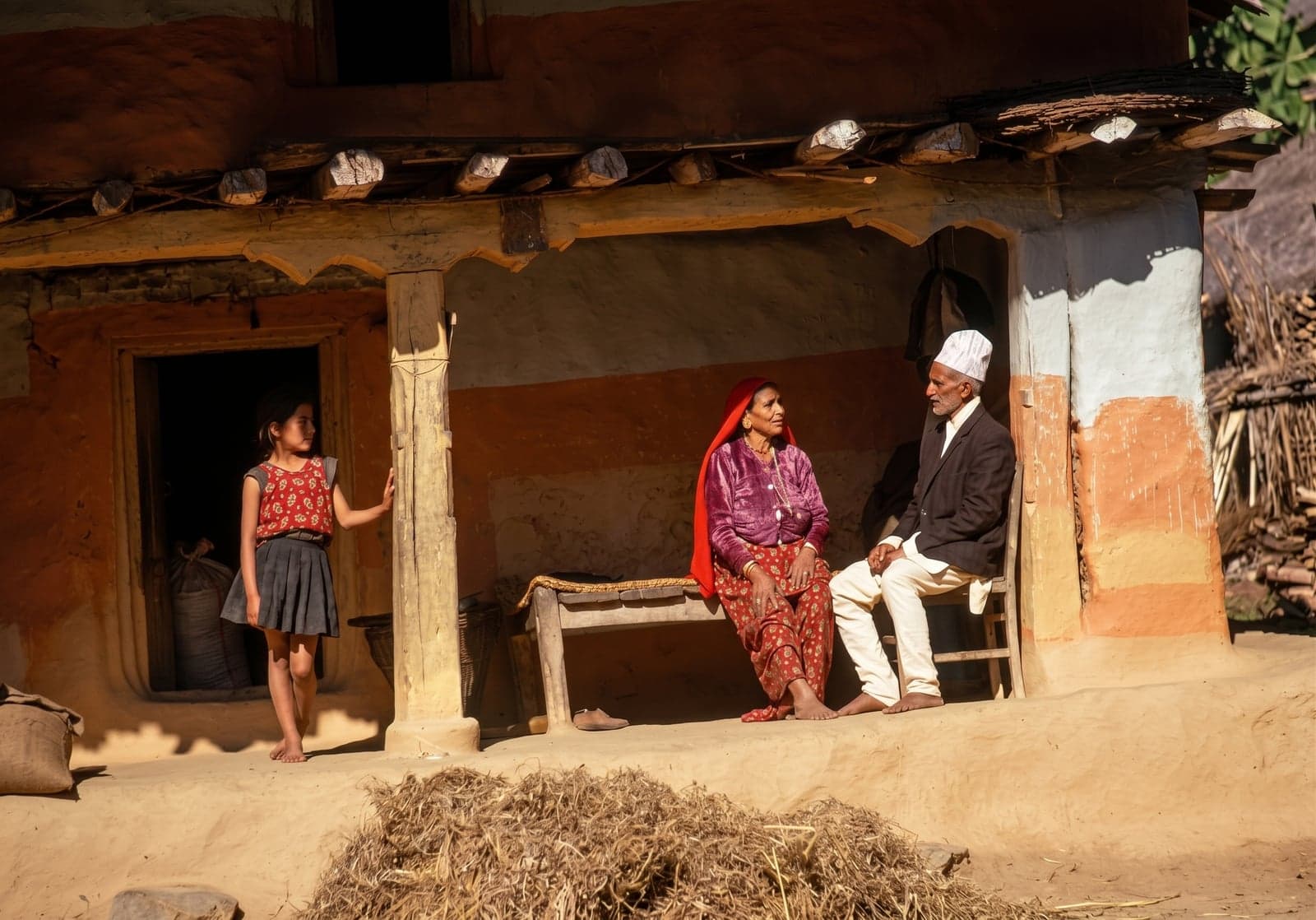
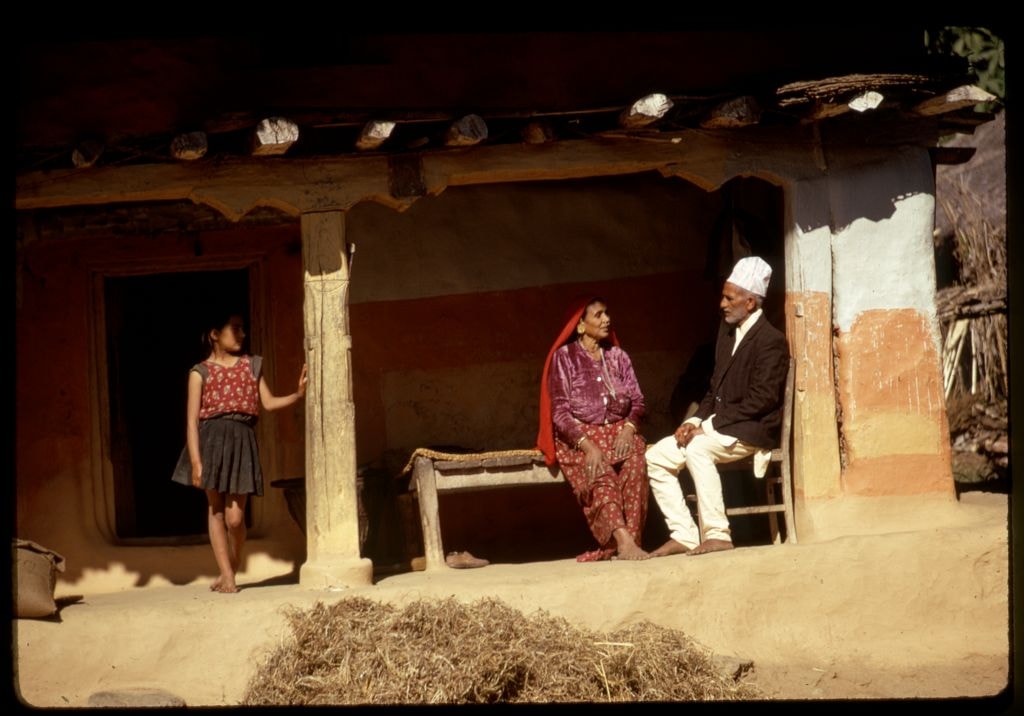 BeforeAfter