
The apps at a glance
We make Resly, so read this knowing that. Every app below uses AI to repair scratches, tears and fading, and most can colorize. They differ mainly in what the free version gives you and how you pay after that.
| App | Free version | Paid | Best for |
|---|---|---|---|
| Adobe Firefly | Free version: Free daily uses with a free Adobe account; downloads up to 2,000 × 2,000 px | Paid: Adobe plans for more use | Best for: A free try on the web |
| Canva | Free version: Free restore tool with a free account; colorizing apps need Pro | Paid: Canva Pro subscription | Best for: People already designing in Canva |
| Picsart | Free version: Free restore tool on the web | Paid: Picsart Plus subscription | Best for: Quick fixes on a phone |
| Remini | Free version: Free with ads, a daily limit and a watermark | Paid: Weekly subscription | Best for: Sharpening blurry faces |
| MyHeritage | Free version: A few photos free; free colorized photos carry a logo | Paid: MyHeritage subscription | Best for: Family tree builders with many photos |
| Resly | Free version: No free version | Paid: Pay per photo, no subscription or account | Best for: A few photos you want to print and frame |
Prices and free limits change often and vary by country and app store. Check the app's own pricing page before you subscribe, and read the trial terms: several apps start billing weekly when a free trial ends.
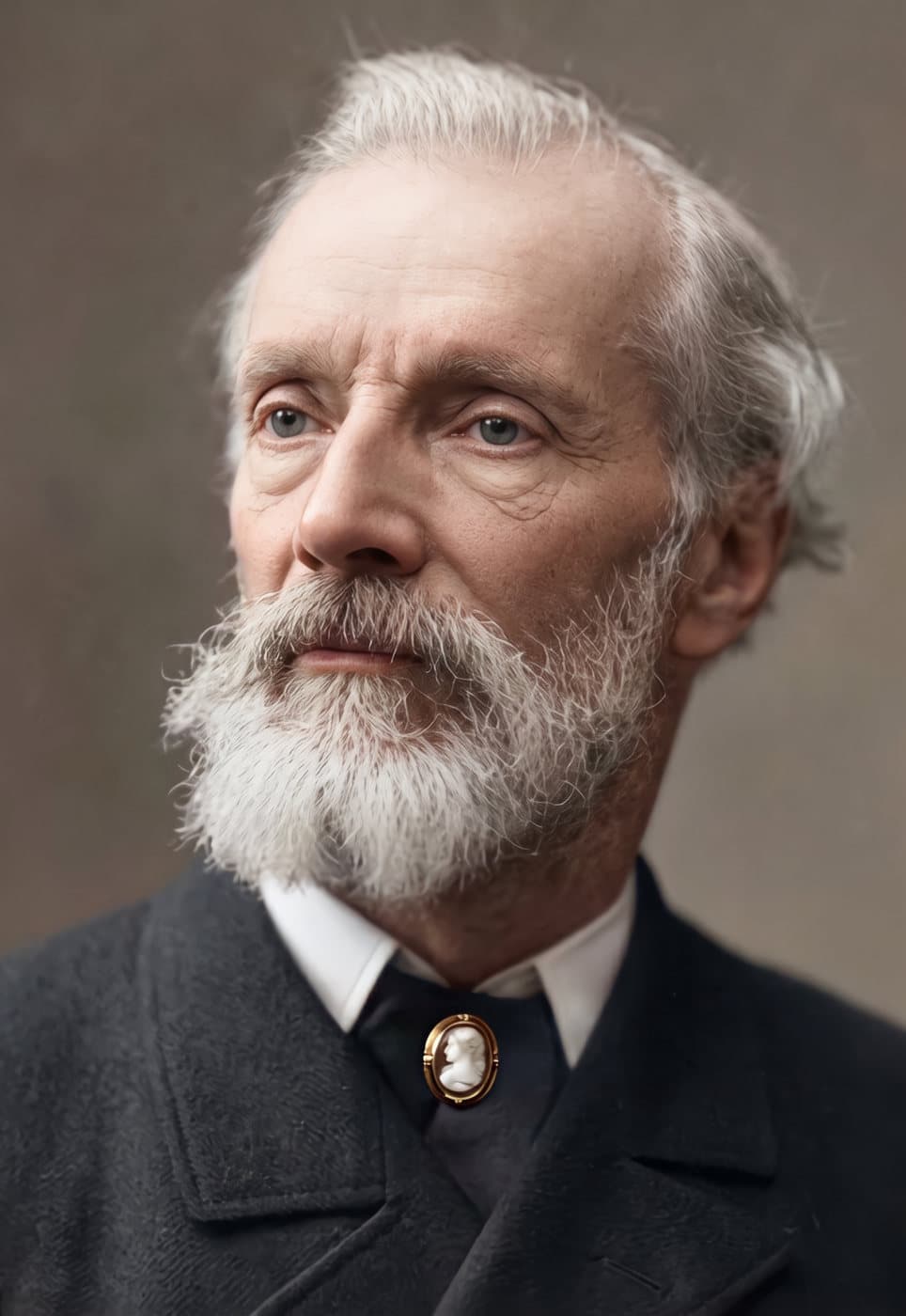
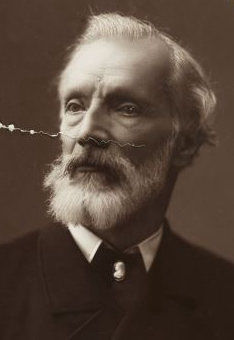 BeforeAfter
Free photo restoration apps
- 1
Adobe Firefly
Adobe's web tool restores tears, scratches, stains and faded color, and can colorize, from a text instruction such as "remove the scratches". It is free with a free Adobe account, within a daily allowance, and downloads top out at 2,000 × 2,000 pixels, fine for 5×7 prints but small for big enlargements.
- 2
Canva
Canva's photo restoration repairs creases, tears and discoloration in one click, free on any Canva account. Its colorizing apps are for Pro subscribers.
- 3
Picsart
Picsart offers a free, automatic old-photo restore on its website and app. Picsart Plus adds credits for its other AI tools.
Free tools are worth trying first on a lightly damaged photo. Watch for small output sizes, which print soft, and for faces that come back looking subtly like someone else.
Paid photo restoration apps
- 1
Remini
A popular phone app, strongest at sharpening blurry faces. The free version shows ads, has a daily limit and watermarks what you save; the paid plan is a weekly subscription, around $7 to $10 a week in the US. See Remini vs Resly.
- 2
MyHeritage
A family history site with Photo Enhancer, Photo Repair and colorizing built in. A few photos are free; after that it needs a MyHeritage subscription. Good value if you are building a family tree or have a whole box of photos. See MyHeritage vs Resly.
- 3
Resly
Our own. You pay for each photo instead of a subscription, with no account, and get it back restored, colorized if you want, and sized for a print or frame. It suits a handful of important photos rather than a whole archive. Restore a photo.
Which one to choose
- One or two photos, just to look at: try Adobe Firefly or Canva free first.
- A few photos to print, frame or give: pay per photo, so you aren't left with a subscription.
- A box of hundreds of family photos: a subscription such as MyHeritage works out cheaper at that volume.
- Full control over every repair: do it yourself in Photoshop or the free Photopea.
- A treasured photo with heavy damage: a professional retoucher, who can ask you what the missing parts looked like. See photo restoration near me.
How to get the best result from any app
- Start from the best copy: a scan at 600 DPI, or a phone photo of the print laid flat near a window, flash off. Google PhotoScan, a free app, removes glare from phone scans.
- Crop out the album page or table around the photo before uploading.
- Compare faces with the original before printing. Where a face was torn or faded away, every AI has to invent detail.
- Keep the original print and the untouched scan as well as the restored copy.
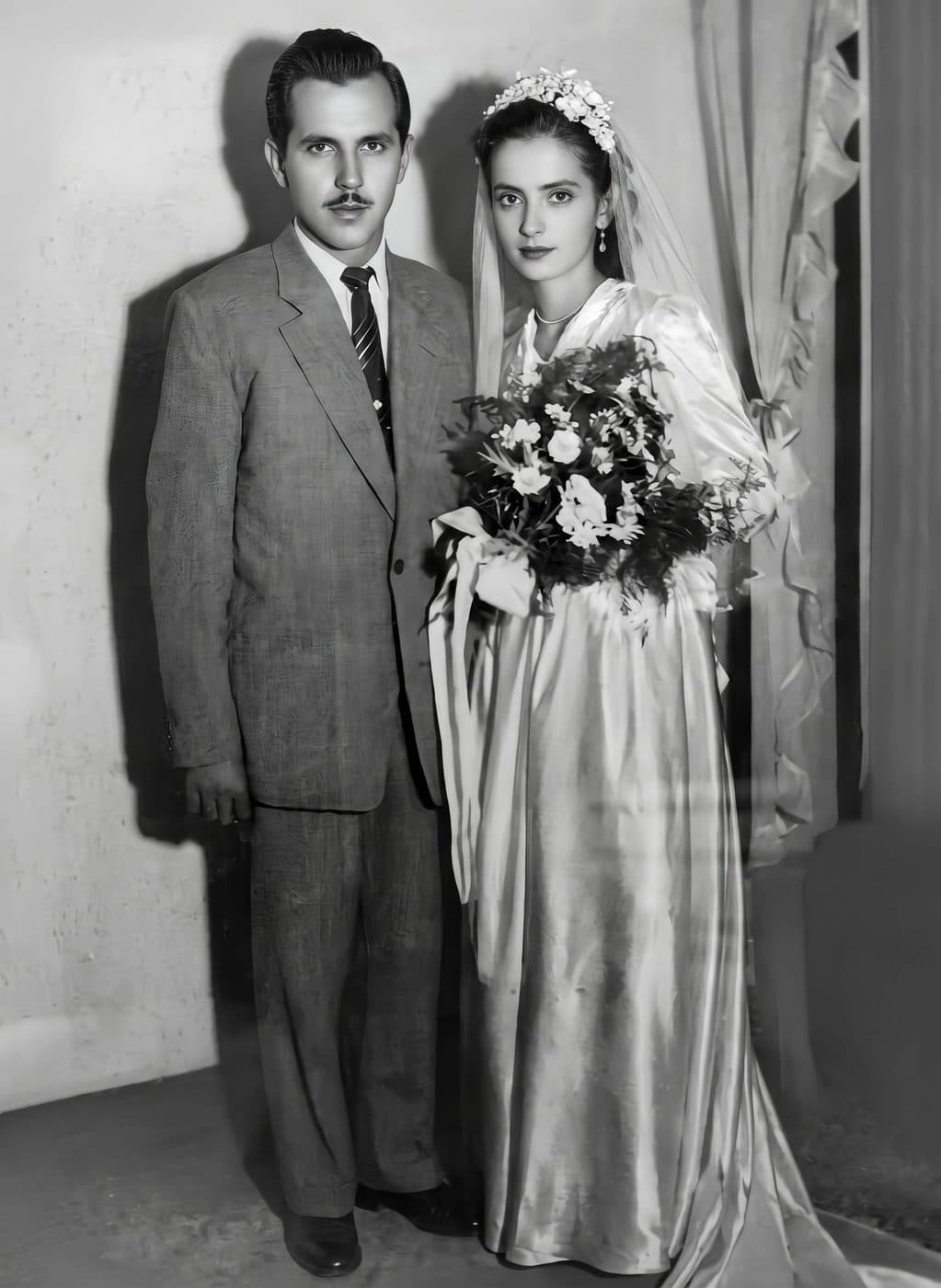
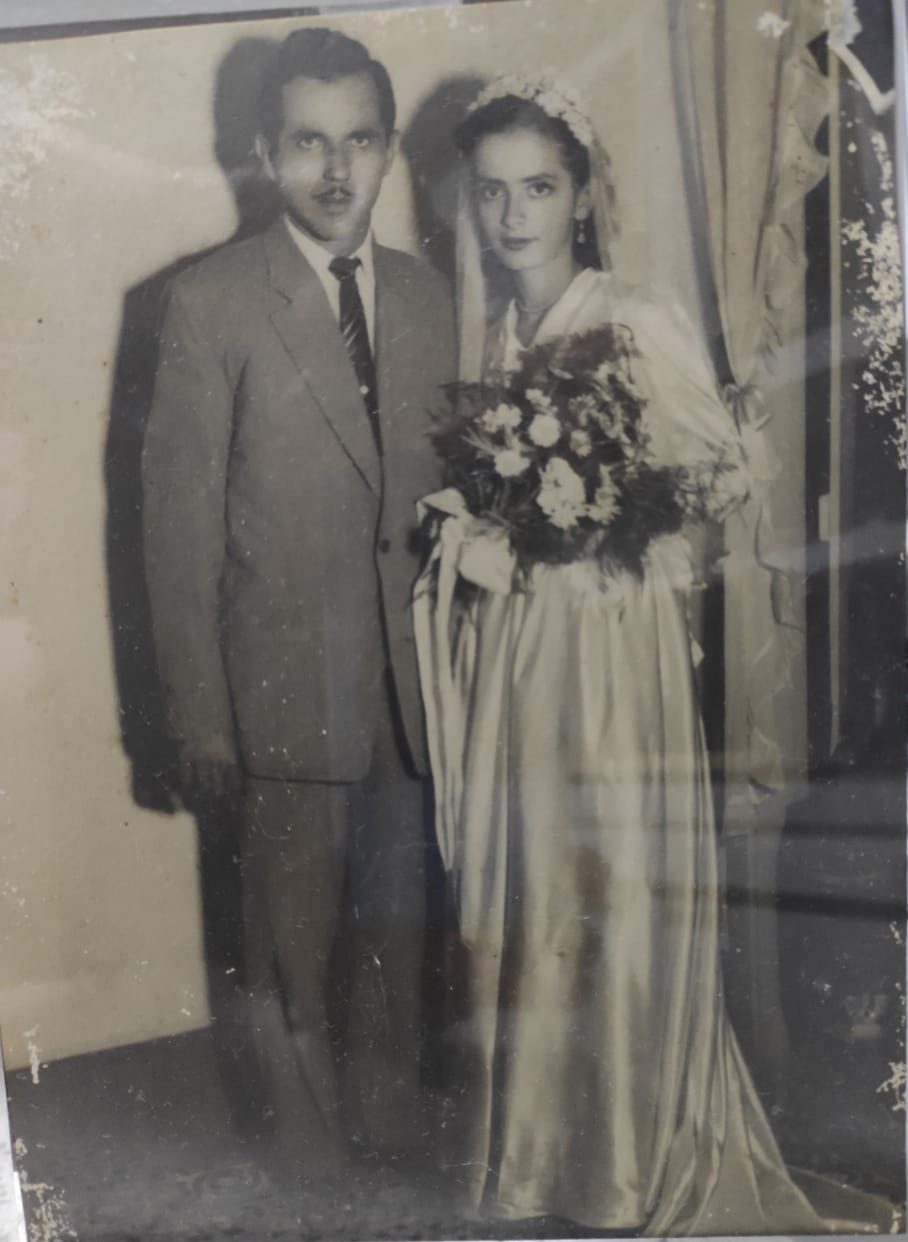 BeforeAfter